The Betas 8 Are Out

The Betas 8 Are Out

Betas 8 of macOS Tahoe and iOS 26 are out now.

For the apps I am working on—Singapore Buses and NetNewsWire—I don’t have any major issues. However, I’ve come across a missing API in AppKit that is somewhat infuriating.

First, some context. Brent Simmons wrote on inessential.com:

And so I seriously dislike the experience of using a Mac with Liquid Glass. The UI has become the star, but the drunken star, blurry, illegible, and physically unstable. It makes making things way more of a struggle than it used to be.

So for NetNewsWire, the question is whether or not there is a way to make the blurry bits less blurry and to bring back some legibility. Is there way to get it off the sauce?

In the transcript for the WWDC video, Build an AppKit app with the new design, it reads like it the system applies fades and blurs at its discretion:

The new design encourages flowing your content edge-to-edge, with Liquid Glass elements floating atop. To provide separation between the glass and the content, the system applies a visual effect in the areas where these two overlap. This effect comes in two variants: a soft-edge-style, which progressively fades and blurs the content, and a hard-edge-style, which uses a more opaque backing to provide greater separation between the content and the floating elements.

Indeed, looking at the AppKit APIs made available with macOS 26, there’s no obvious way to override the system’s visual effect behaviour. The answer to the above question is *No. *

However, if NetNewsWire were a SwiftUI app, the answer to that question would be *Yes. *In SwiftUI, developers can decide to reduce the blur around vertical and horizontal bars with a simple modifier:

.scrollEdgeEffectStyle(.hard, for: .vertical)
0:00
/0:04

The effect of a hard edge scroll effect.

Hopefully, this API is made available with the next beta release (or release candidate) of Xcode 26.
The Betas 7 Are Out

The Betas 7 Are Out

There’s not much new in this beta.

  • For all users, *Adaptive Power Notifications *have been added
  • For U.S. users, the recently redesigned Blood Oxygen Monitoring feature has been added that first appeared in iOS 18.6.1

Alongside iOS 26 beta 7, there’s also Xcode 26 beta 6. Annoyingly, even at this late stage, this beta doesn’t allow me to perform location simulation testing with a GPX file (FB19705540).

The Betas 6 Are Out

The Betas 6 Are Out

Juli Clover, MacRumors:

There are changes to Liquid Glass, tweaks to navigation, new ringtones, and more.

Importantly, the issues I have been experiencing in the previous betas are all fixed:

  • FB18767040: Hiding a tabViewBottomAccessory resulted in a view not extending into the safe area (fixed in beta 5)
  • FB19194379: Label text not responding to dark mode changes
  • FB19041811: Leading Swipe Actions in a Supplementary Controller are Offset by the Primary Controller’s (Sidebar) Width

The Betas 5 Are Out

The Betas 5 Are Out

Juli Clover, MacRumors:

Apple seeded the fifth developer beta of iOS 26 today, and while the number of significant changes has dropped, there are quite a few smaller tweaks. Apple is continuing to refine button placement, animations, and design in preparation for launching ‌iOS 26‌ in September.

Disappointingly, I am still seeing the same issues that I had in betas 3 and 4.

The Betas 4 Are Out

The Betas 4 Are Out

Juli Clover, MacRumors:

Apple today provided developers with the fourth betas of iOS 26 and iPadOS 26 for testing purposes, with the updates coming two weeks after Apple seeded the third betas.

I am still left with two bugs on iPad that I can’t get to the bottom of.

Sidebar

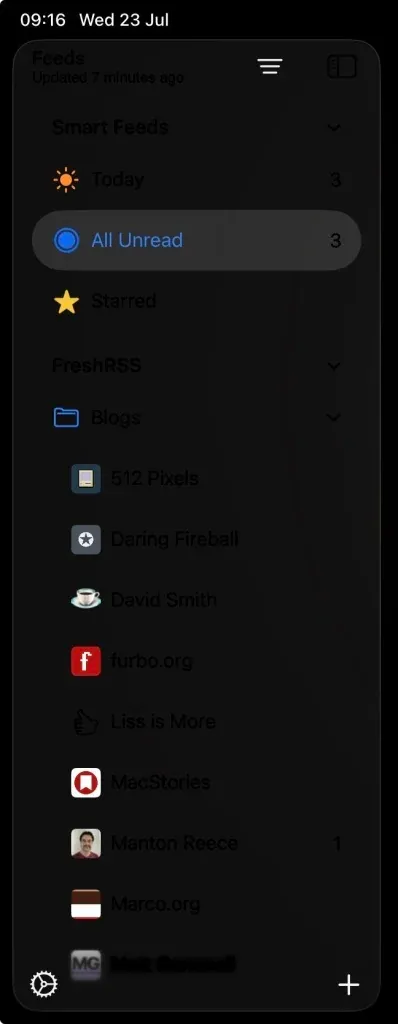
The first, above, is a sidebar that doesn’t react to light and dark mode changes, always leaving text looking black. (I’ve registered for trait changes to try and force it to white, but it doesn’t make a difference.)

Swipe Action

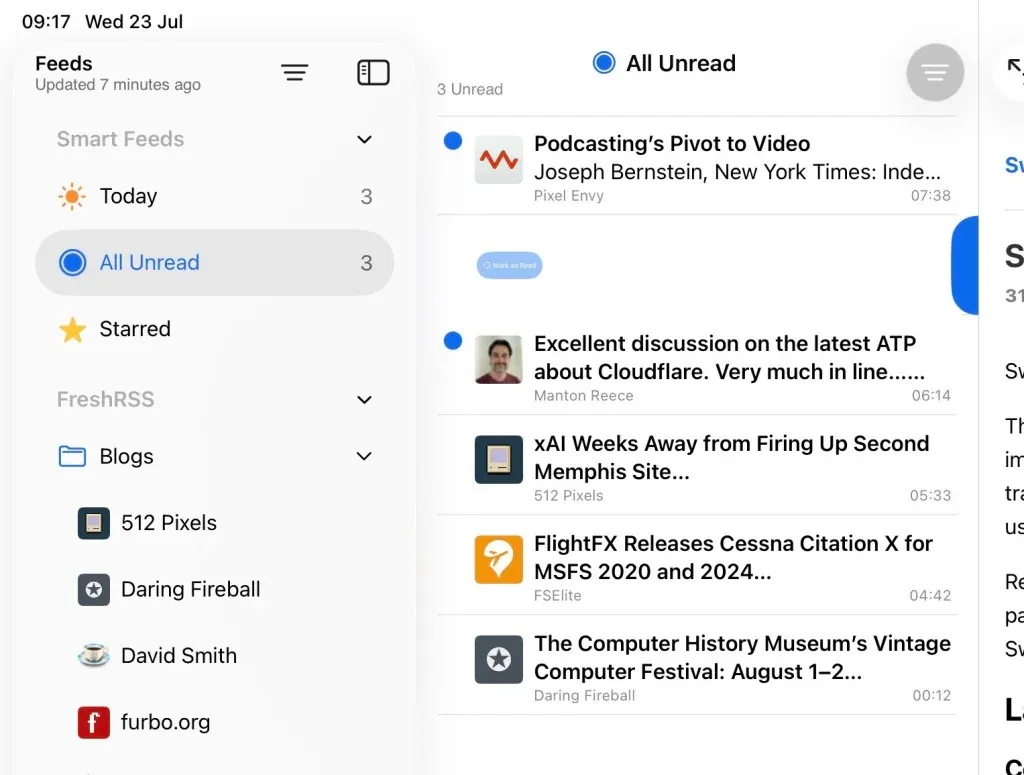
The second issue is leading swipe actions where the content of the cell is offset by the size of the sidebar (but only when the sidebar is visible).

iOS 26 Beta 3 Bugs

iOS 26 Beta 3 Bugs

I’m working through feature updates for both Singapore Buses and NetNewsWire and I’m hitting a few persistent bugs I can’t seem to workaround.

  • Text in cells doesn’t adapt to dark mode appearance changes: label.textColor = .label is ineffective. (UIKit)
  • Navigation title and navigation subtitle text doesn’t adapt to dark mode appearance changes (same as above). (UIKit)

Secondary View Controller (in a 3 column layout):

  • Unable to stop a table or collection view cell’s selected background from extending under the sidebar. Countless hours have been wasted on this: UIScrollEdgeEffect, UIBackgroundExtensionView, hacking away at a cell’s contentView frame with a chisel (followed by hammer smashing into my MacBook). (UIKit)

Sheets

  • Navigation bar title text in a presented .sheet doesn’t adapt to dark mode appearance changes. (SwiftUI)