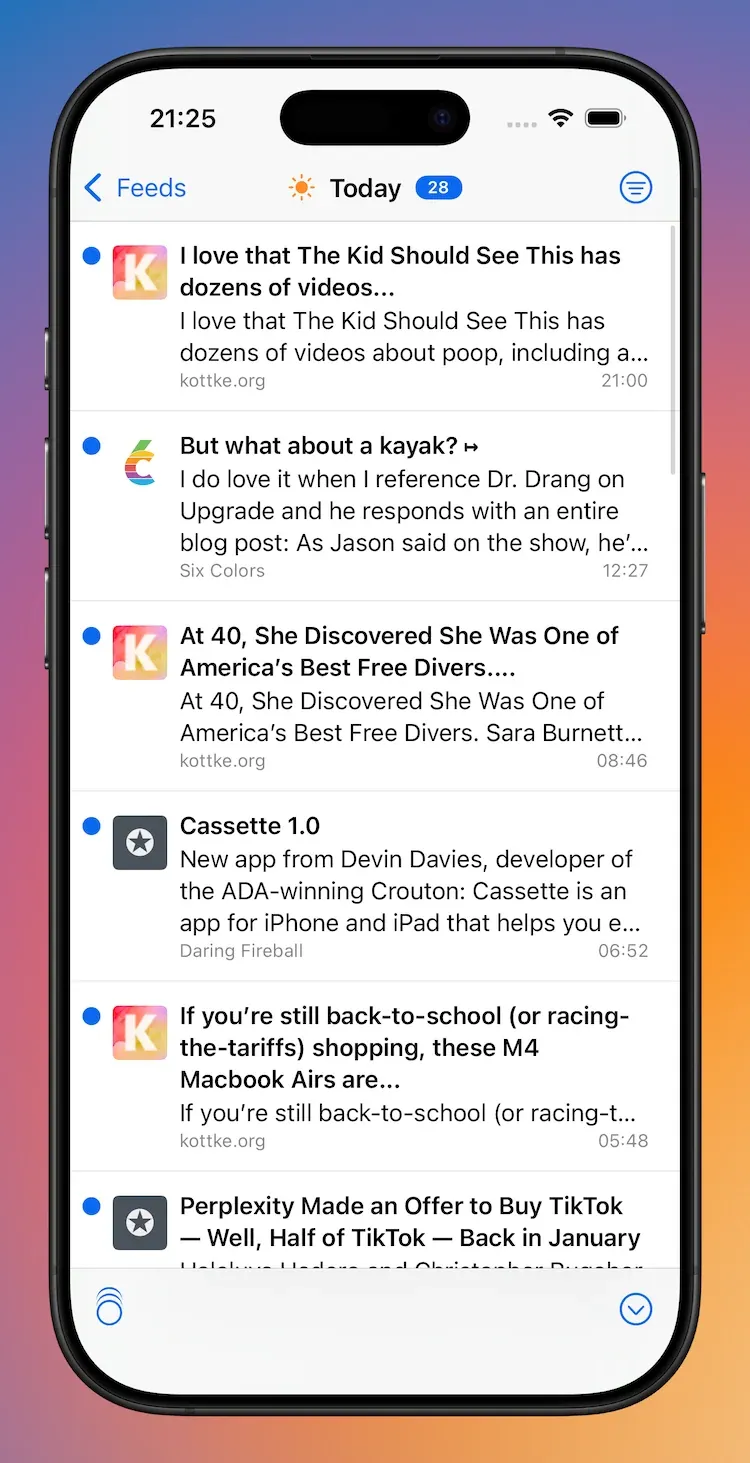
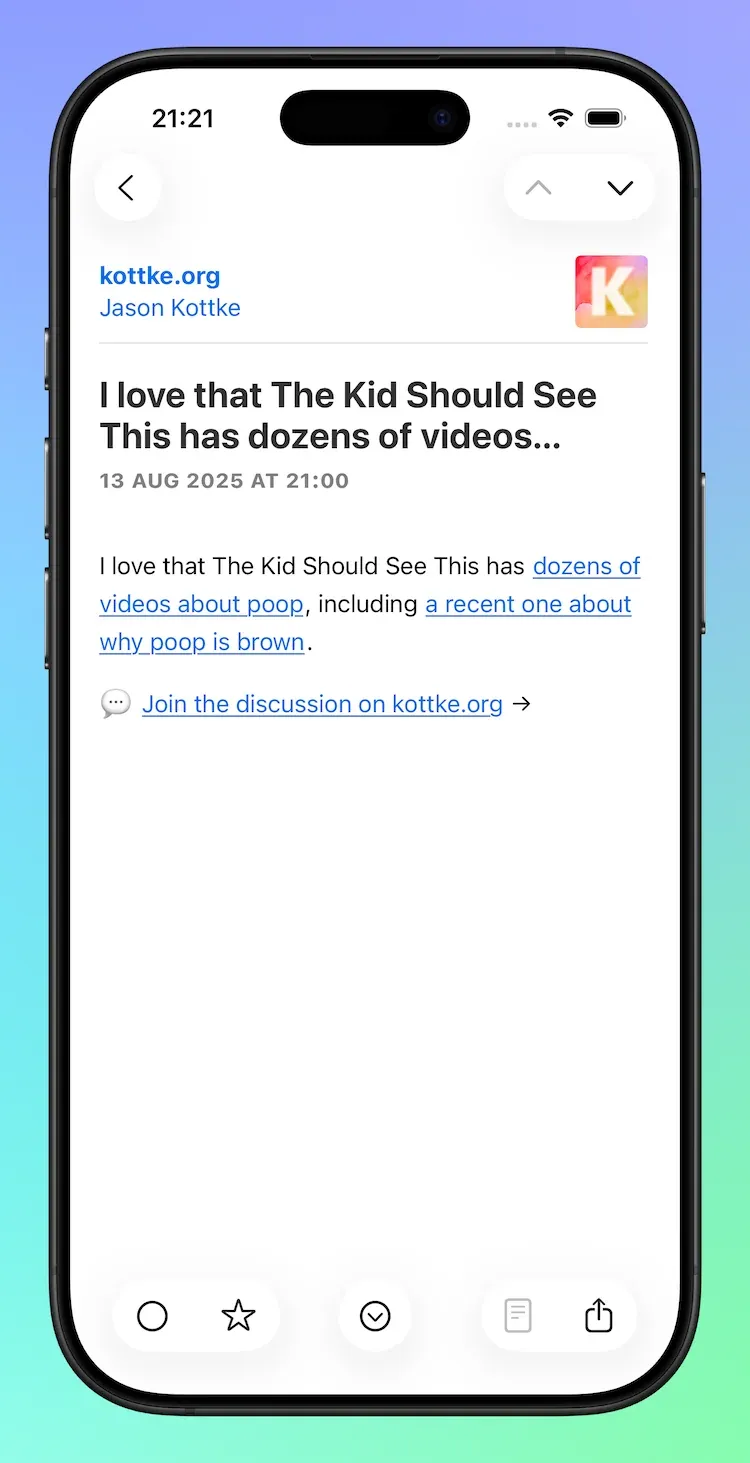
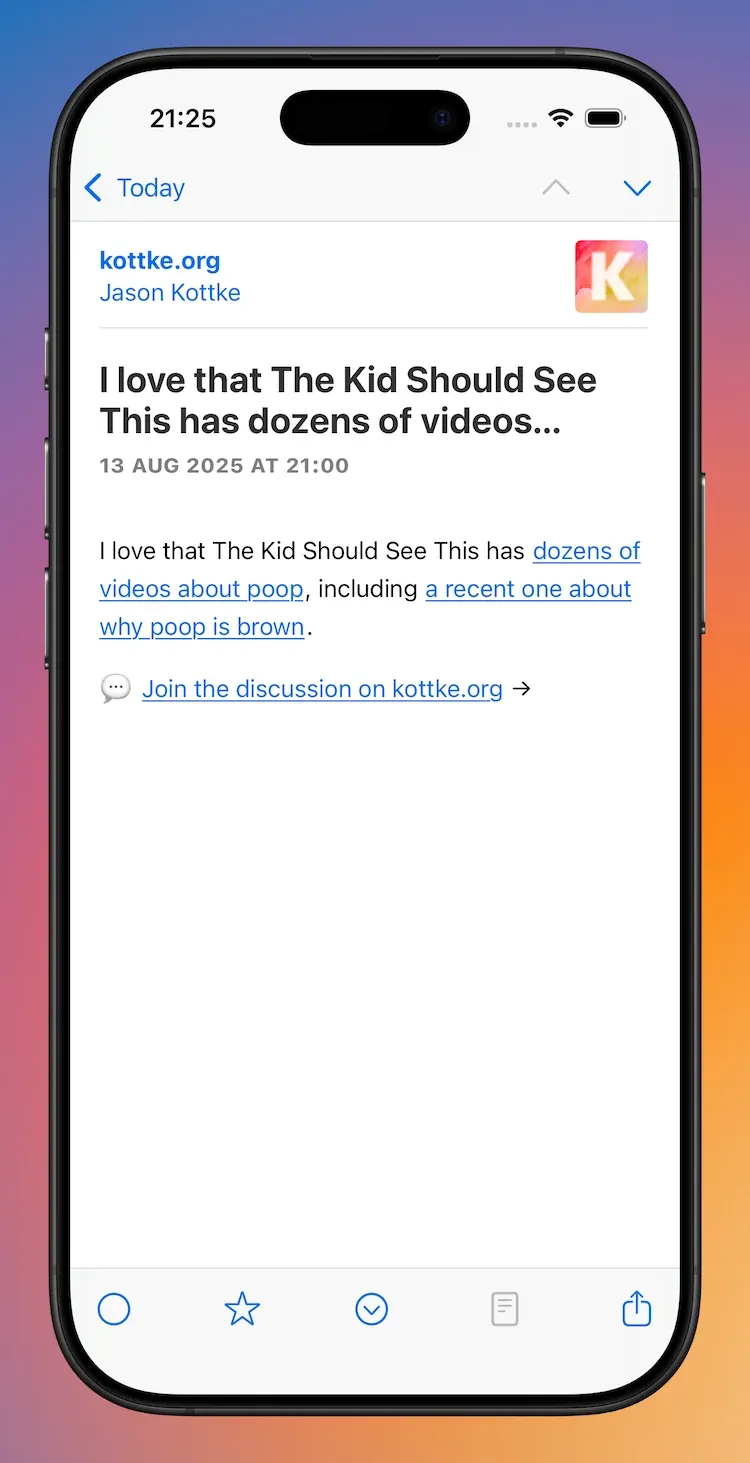
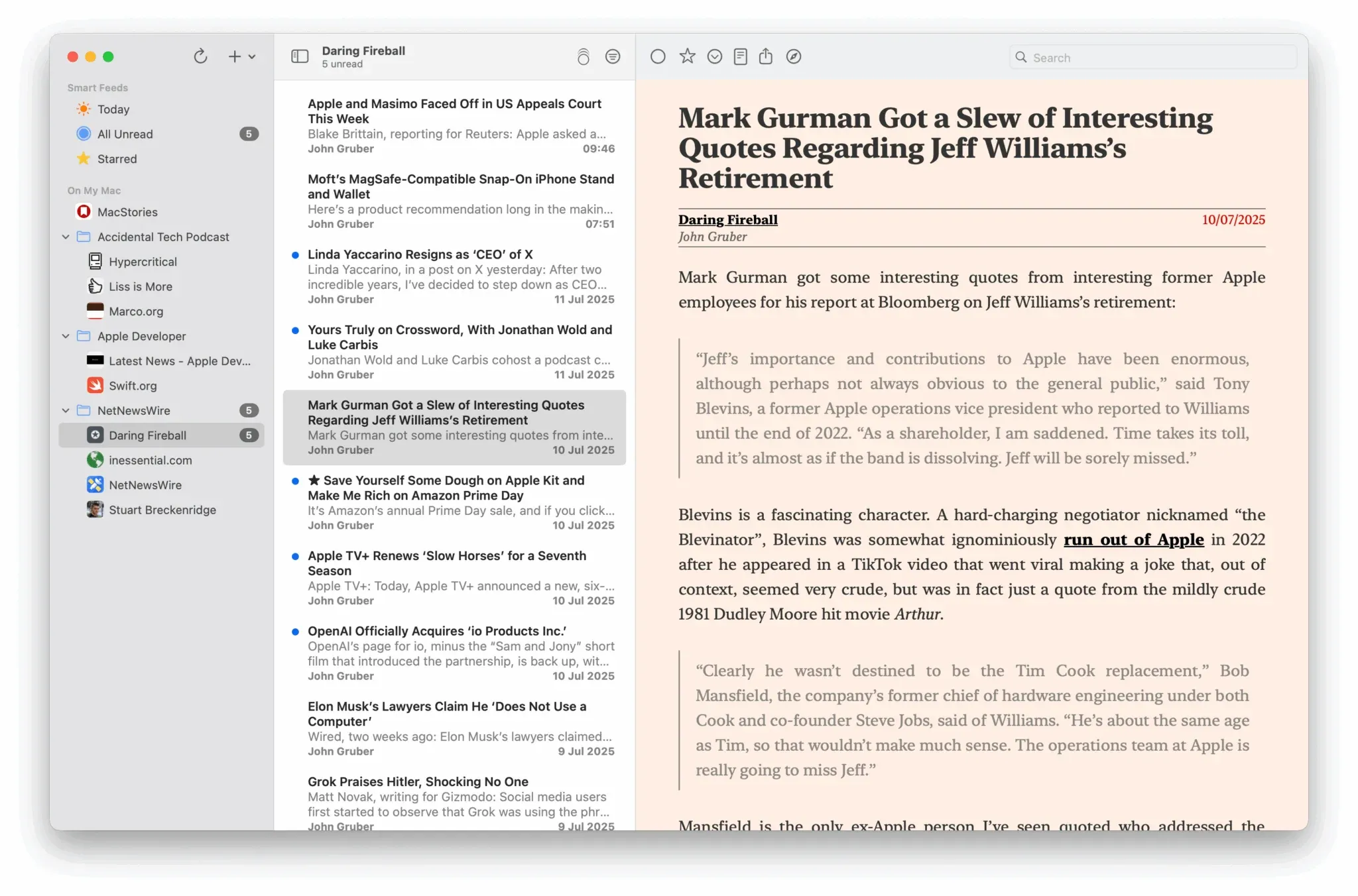
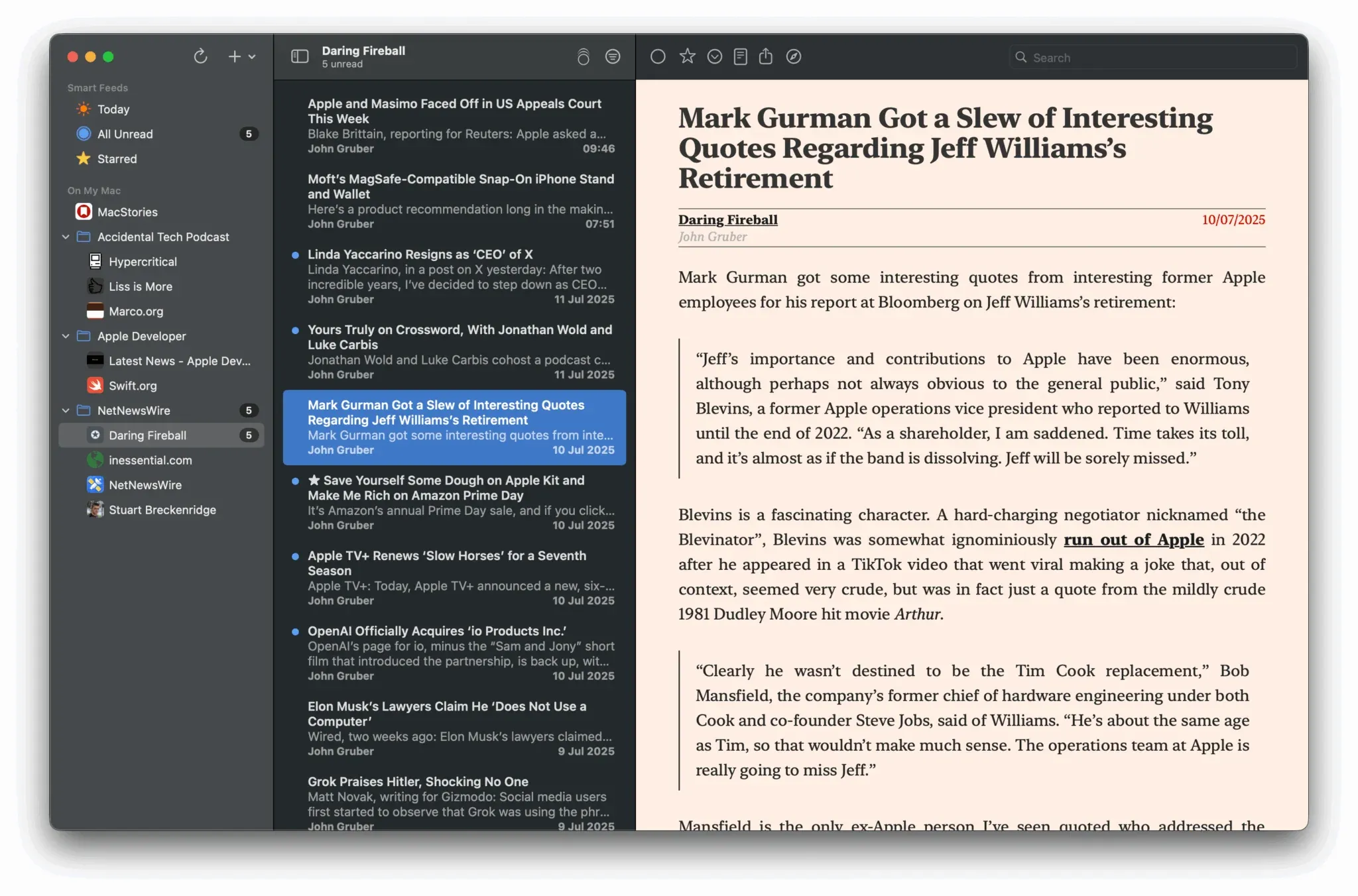
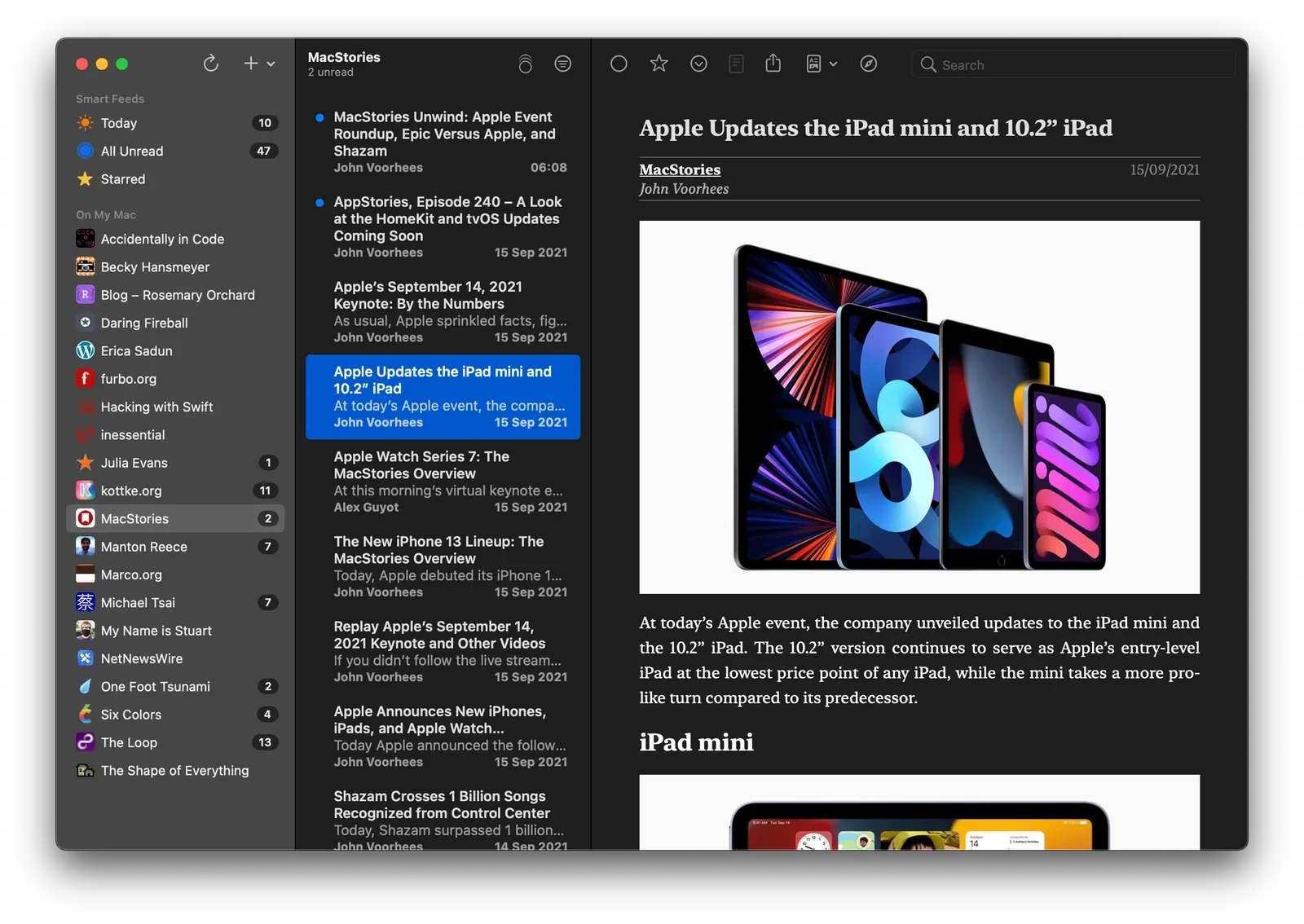
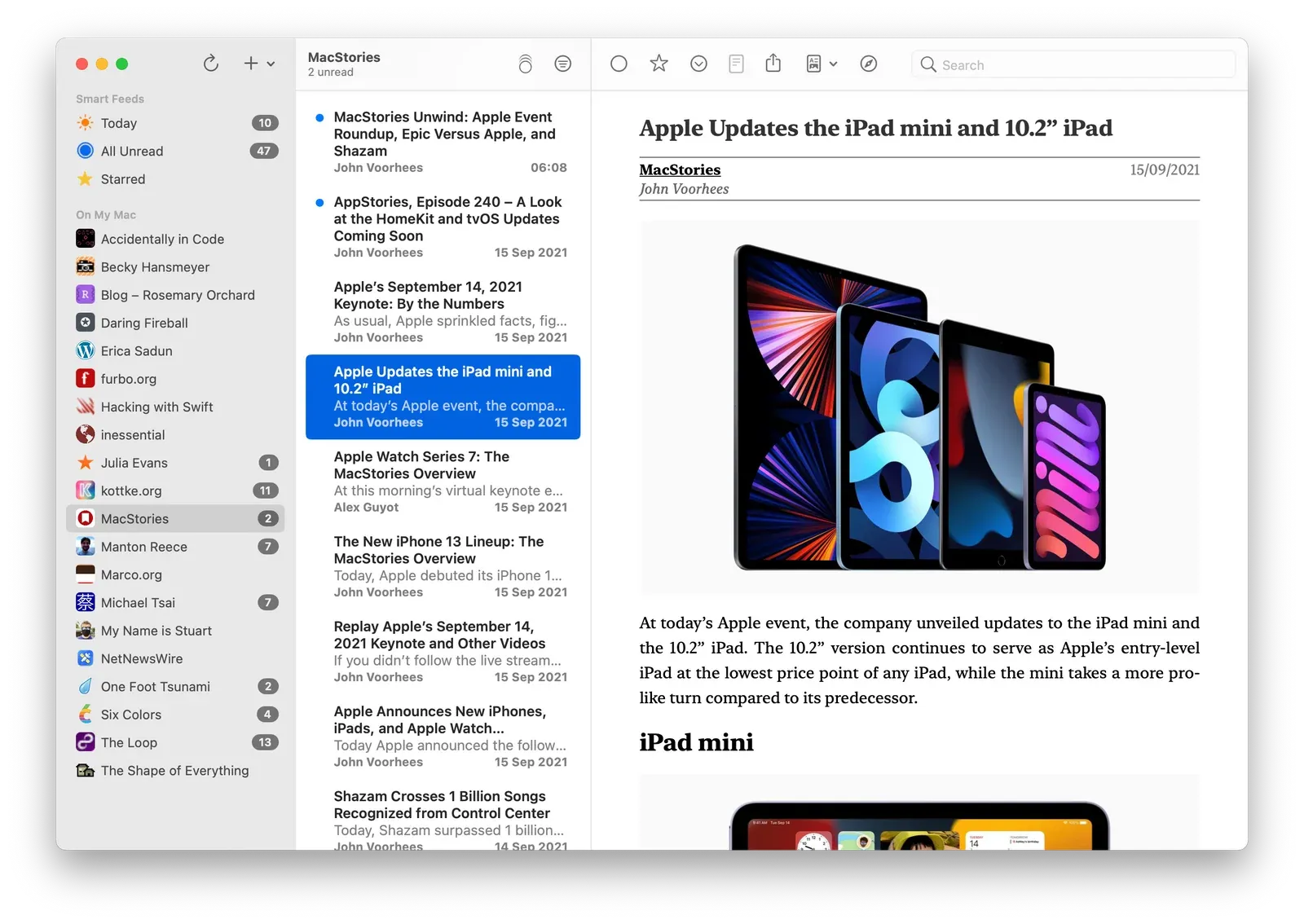
Matrix for NetNewsWire

0:00
/0:02

Matrix

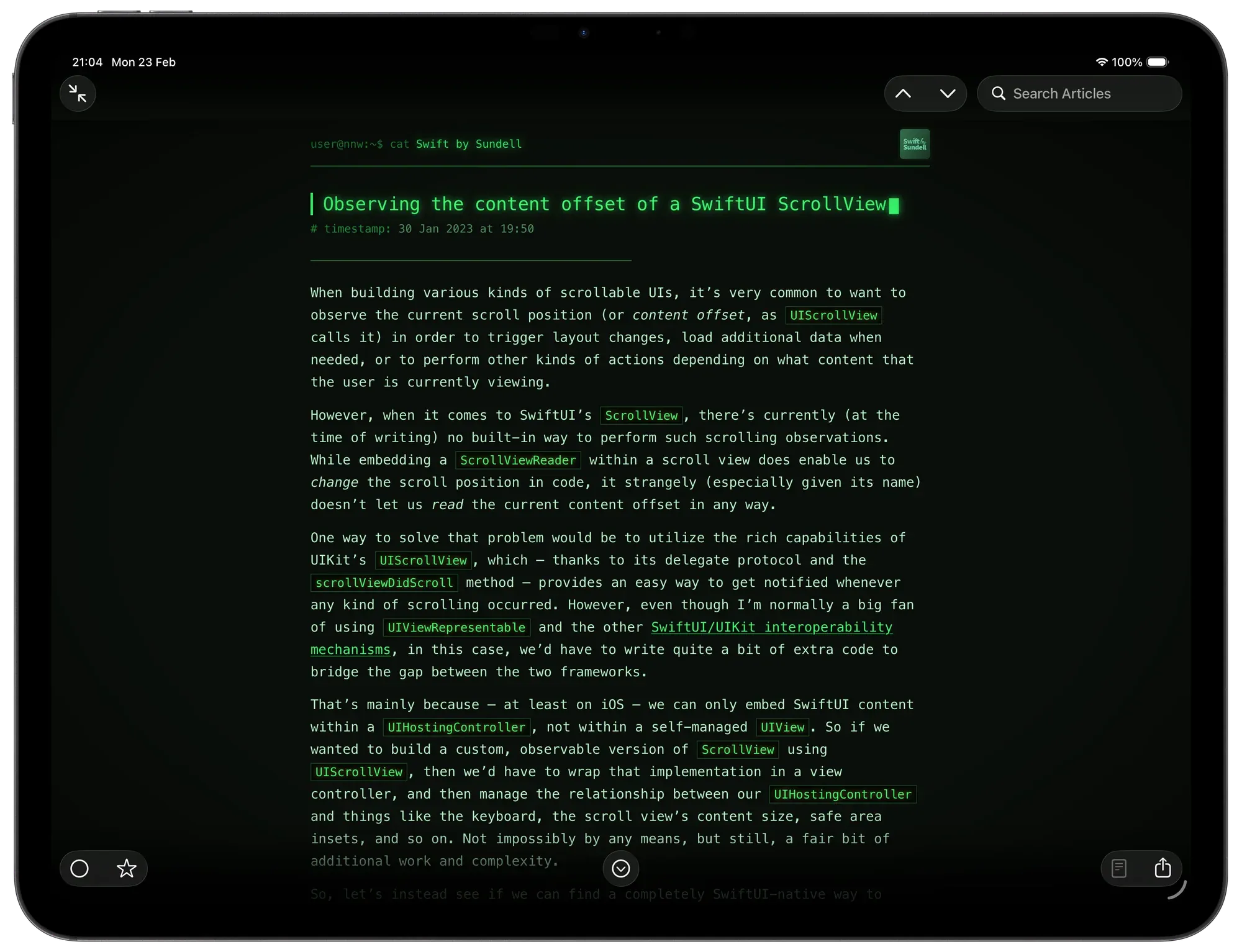
This theme is *Matrix-*inspired and was built with the help of Claude (there’s simply no way my CSS is this clean and tidy). This theme shines when your device is in dark mode.

Features

Visual Style

  • Phosphor-green palette — deep near-black background with glowing green text
  • CRT vignette — a radial gradient overlay darkens the screen edges for a vintage monitor feel (macOS only)
  • Boot flicker — the page and article animate in with a CRT power-on flicker effect
  • Monospace throughout — SF Mono

Article Header

  • Feed name is prefixed with a shell prompt: user@nnw:~$ cat
  • Publish date is prefixed with # timestamp:
  • External link is prefixed with # source:
  • Feed icon is rendered in greyscale with a green tint and a pixel-art rendering mode

Article Title

  • Typewriter animation — the title types out character by character in reading order, correctly handling titles that span multiple lines
  • Blinking block cursor () appears after the last character lands and blinks indefinitely

Article Body

  • Separator line of characters between the header and body
  • Headings prefixed with Markdown-style ##, ###, #### markers
  • Blockquotes styled with a left border and faint green background
  • Code blocks include a fake terminal title bar (● ● ● output) and horizontal scroll on overflow
  • Inline code highlighted in amber with a subtle glow
  • Tables use uppercase headers, row hover highlights, and a green glow on the border
  • Figcaptions prefixed with //
  • Images are desaturated and dimmed; hovering partially restores colour

Platform Behaviour

  • iOS — uses dynamic type sizing, system hyphenation, and respects safe area insets; html background is set so native navigation and tab bar blur effects sample the correct dark colour
  • macOS — includes the CRT vignette, wider padding, and fixed text-size classes (smallTextxxlargeText)

Add to NetNewsWire

NetNewsWire 7 for iOS Out Now

NetNewsWire 7 for iOS Out Now

After five-ish years of NetNewsWire 6—and many Summer, Autumn, and Winter nights of coding through 2025 and into 2026, and a sizeable TestFlight window—The World’s Favourite Open Source RSS ReaderTM has reached version 7. (Note: we discovered and fixed a lot of bugs during TestFlight, so thanks go to the testers!)

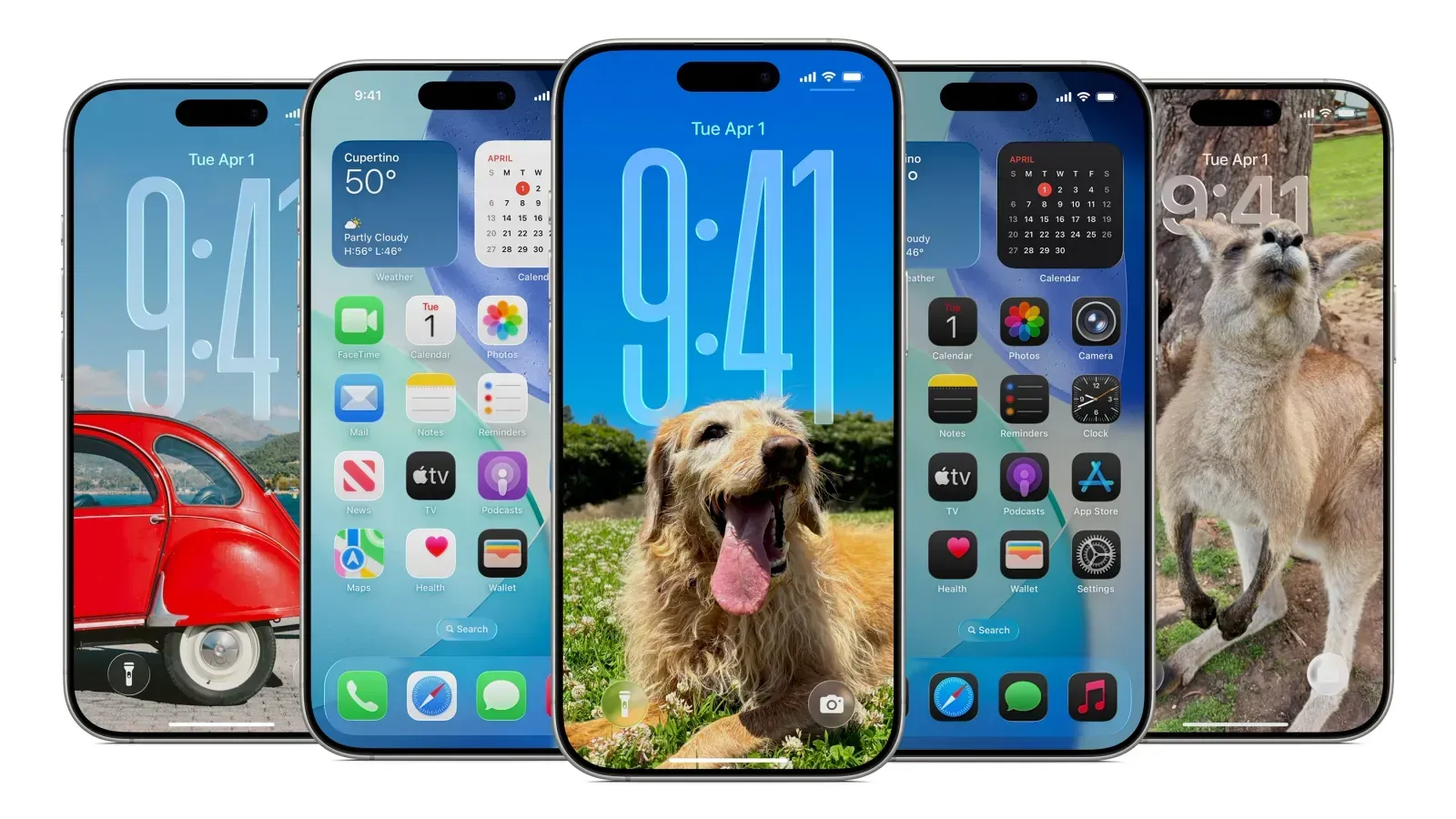
Similar to the Mac release, NetNewsWire 7 for iPhone and iPad:

  • requires the OSs 26
  • adopts Liquid Glass
  • is a significant under-the-hood overhaul that adopts Swift Concurrency

But, but, but…unlike the Mac release, which was quite easy, the iOS release has required a lot more work. On the latest episode of *The Talk Show, *Brent rightly pointed out that “iOS apps are just more complicated”.

To summarise my Design Diaries and some additional items, NetNewsWire 7 makes 30 major changes:

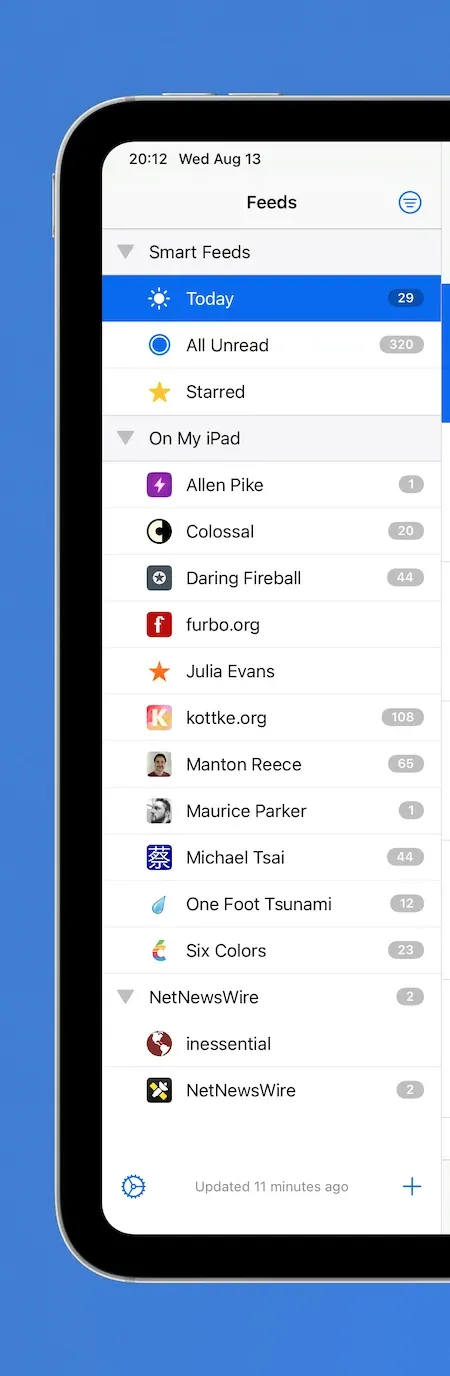
  • [Sidebar] Converted from UITableView to UICollectionView. This was needed in order to adopt modern styling across iPad and iPhone. iPad uses the .sidebar style, and iPhone uses .insetGrouped. This is similar to the behaviour you see in Mail.
  • [Sidebar] The current *Refresh *status is now located in the navigation bar as a subtitle, having previously been the footer.
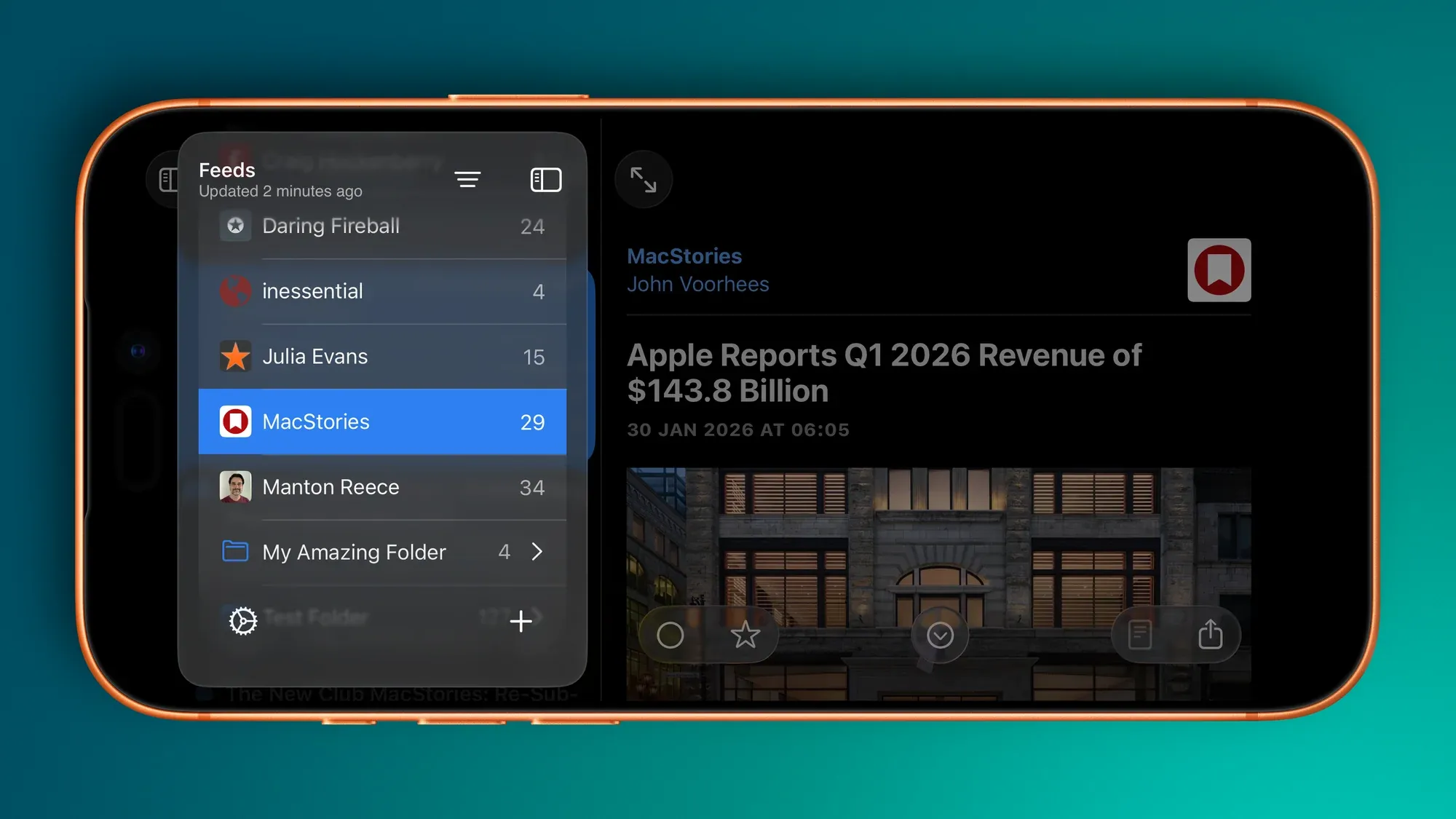
  • [Sidebar (iPad)] Like the Mac refresh, the Feeds view floats and allows Timeline content to slide underneath.
  • [Sidebar] Smart Feeds and Account headers now adopt modern secondary styling.
  • [Sidebar (iPad)] Selected feeds have a modern capsule background and the text is bold.
  • [Sidebar] Folders have been redesigned to match modern standards—they now have the same indentation as any other feed, but the enclosed feeds are indented further.
  • [Sidebar] Folders will highlight when Feeds are being dragged and dropped into them.
  • [Sidebar] Separators have been realigned.
  • [Sidebar] Unread counts are larger and are no longer backed by a filled capsule.
  • [Sidebar] Unread counts for folders are only displayed when the folder is closed.
  • [Sidebar] Swipe actions reveal icons.
  • [Sidebar (iPad)] Users can resize the sidebar (within reason).
  • [Timeline] Converted from UITableView to UICollectionView (during TestFlight builds!) This was needed in order to adopt modern cell styling—e.g., selected and swipe status—across iPad and iPhone.
  • [Timeline] Now uses UICollectionViewDiffableDataSource.
  • [Timeline] Navigation bar images have been removed.
  • [Timeline] Unread counts are now located in the navigation bar subtitle.
  • [Timeline] Adopts hierarchical text colours for titles and summaries.
  • [Timeline (iPad)] The search bar has been moved to the app-wide toolbar and behaves similar to search on the Mac.
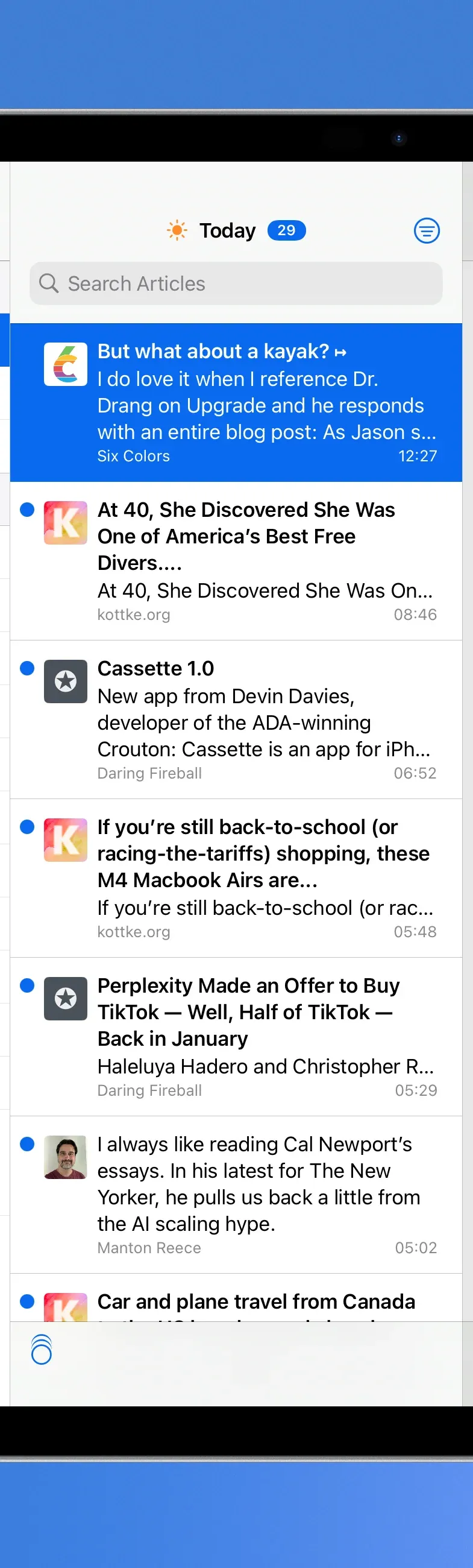
  • [Timeline (iPhone)] The search bar has been moved to the bottom toolbar.
  • [Timeline (iPad)] The Timeline width is user adjustable (again, within reason).
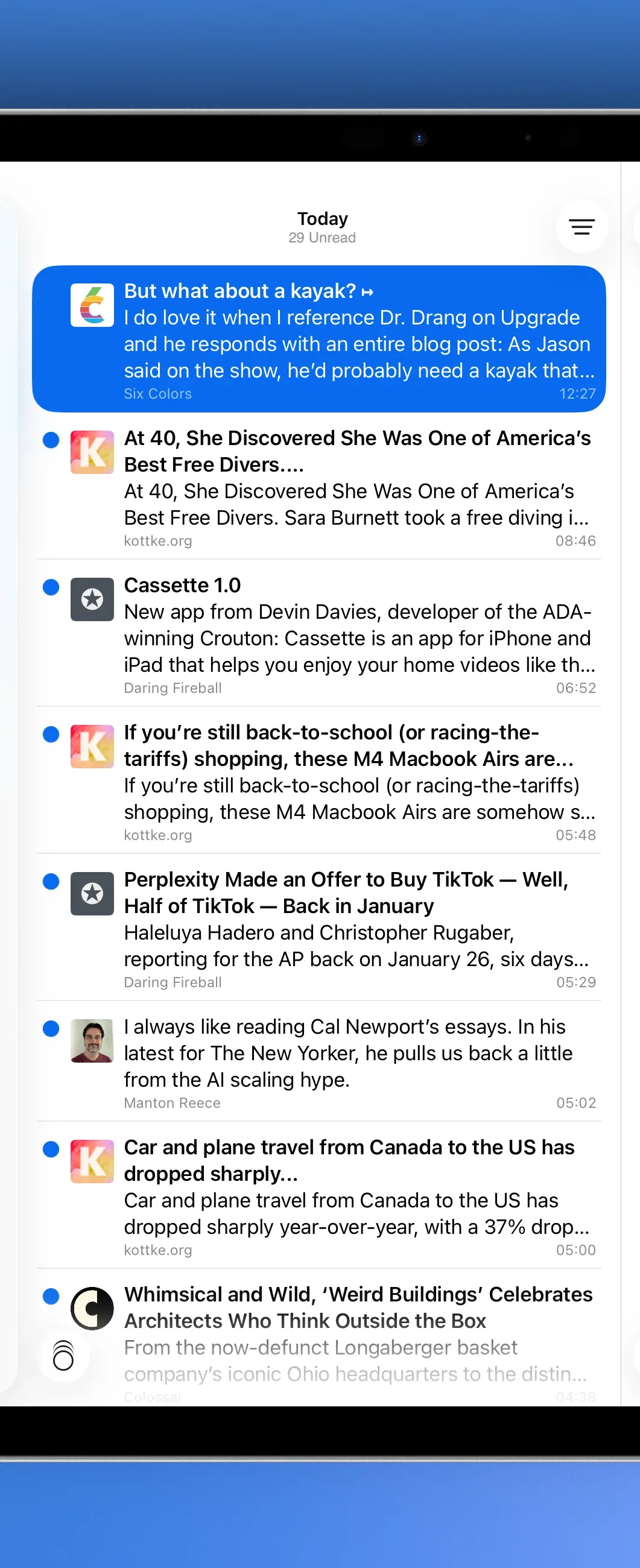
  • [Timeline] Timeline cells have been redesigned in Interface builder and now have the rounded corner selection style in addition to hierarchical text colours for title and summary.
  • [Timeline] The Mark All as Read image (on both iPad and iPhone) has had alignment changes to make sure it sits in the middle of an englassified button.
  • [Article (iPad)] Articles can be read in three-pane view without hiding the Sidebar.
  • [Article (iPad)] The top toolbar inherits search capabilities.
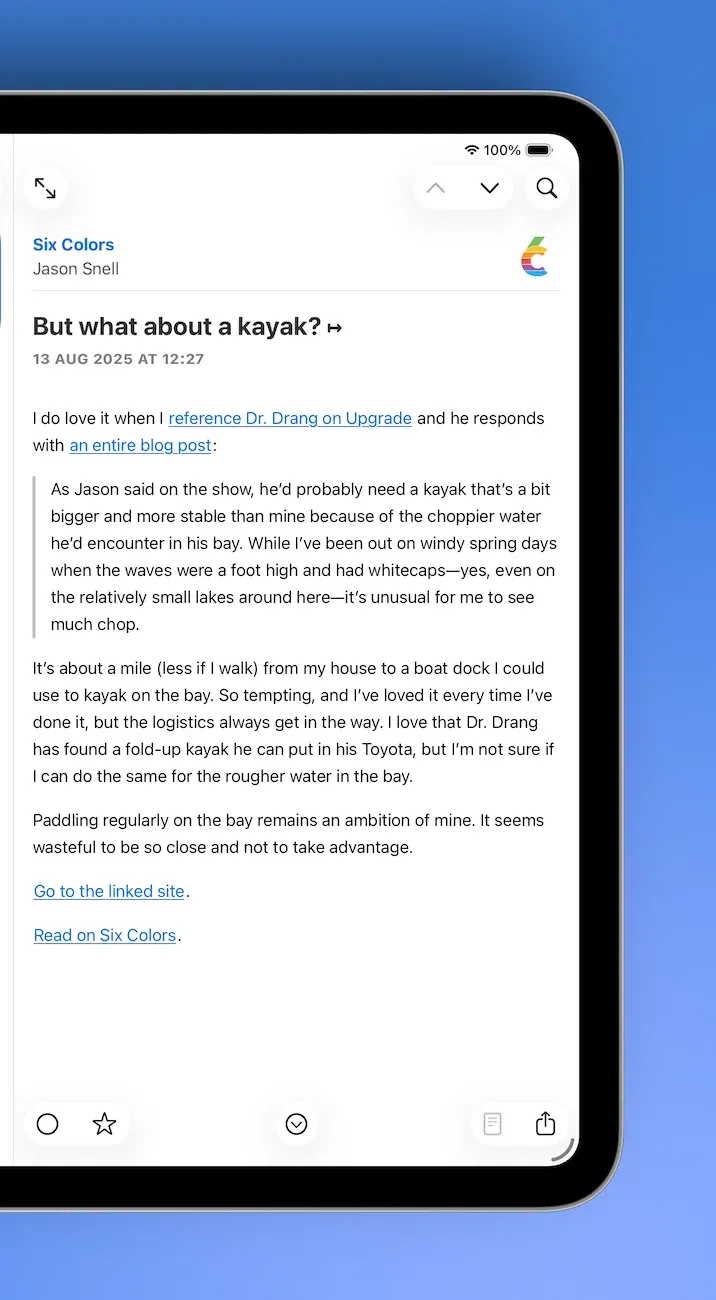
  • [Article] The bottom toolbar buttons have been grouped in a 2-1-2 formation with the *Next Unread *button sitting in the throne seat.
  • [Sidebar, Timeline, Article] Visual state is restored on relaunch.
  • [Widgets] Home Screen widgets have been redesigned to make better use of horizontal space.
  • [Widgets] Added a new Lock Screen widget with Today, Unread, Starred counts.
  • [Settings] Timeline Customiser has been redesigned and includes both icon and non-icon previews.
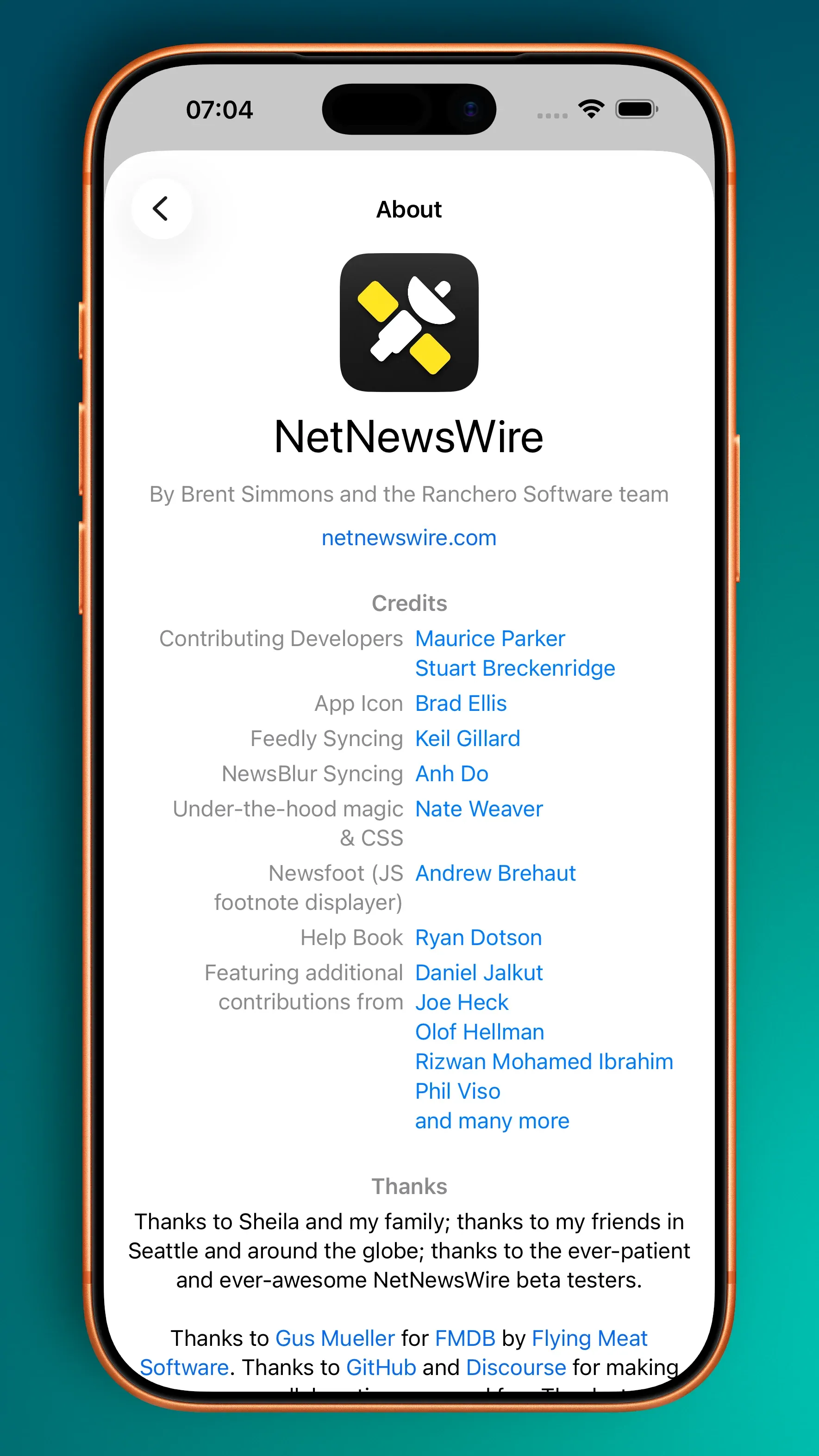
  • [About] Tending to the dark corner of the garden, the About view on iOS has been redesigned and inspired by the Credits from Vesper.

The new About view.

NetNewsWire 7 for Mac Out Now

NetNewsWire 7 for Mac Out Now

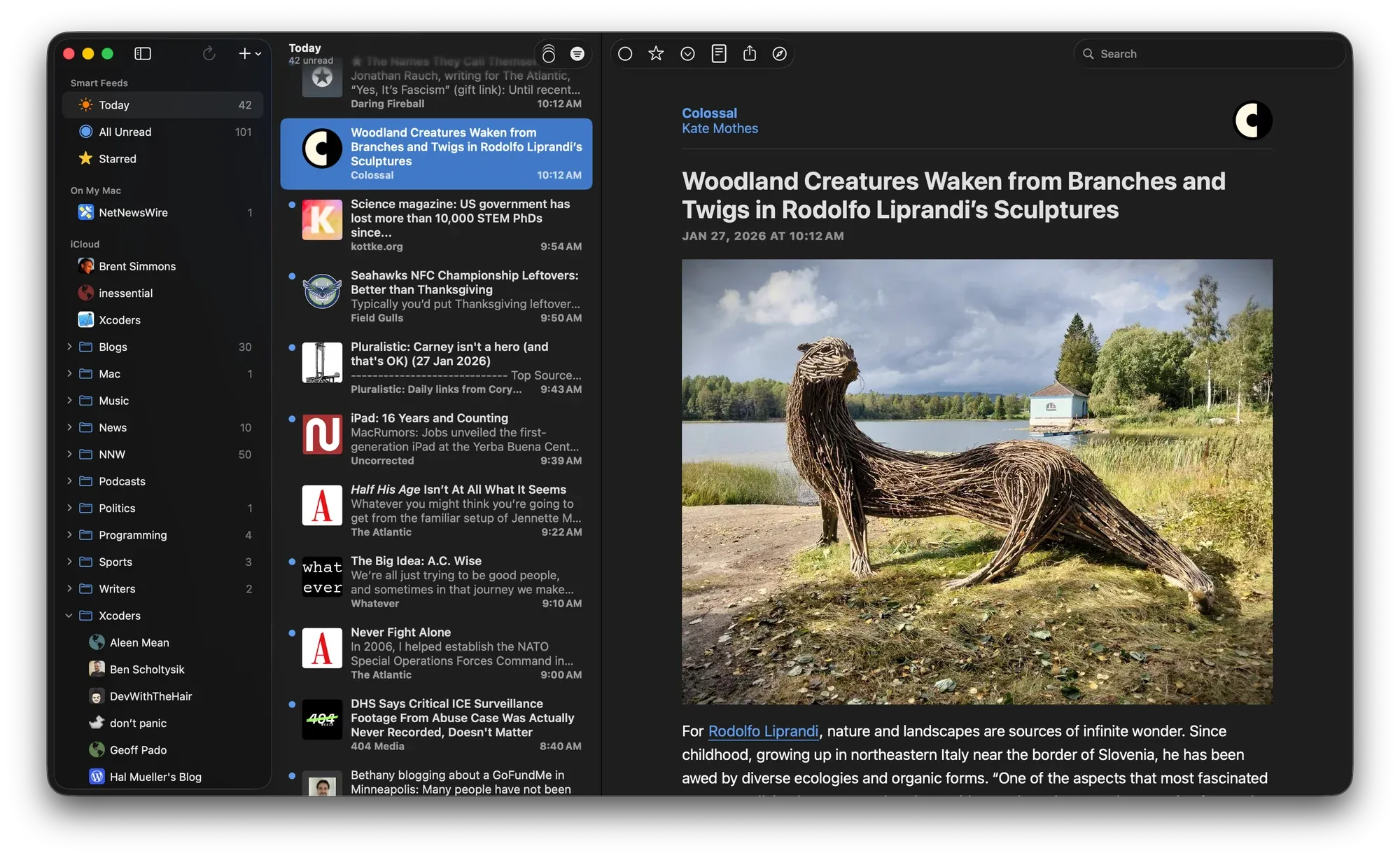
NetNewsWire 7 for Mac is out now.

This release is significant: it adopts Swift Concurrency (which you shouldn’t see), Liquid Glass (which, despite the transparency, you should see), and supports macOS 26 (as a minimum). From a UI perspective:

  • The Sidebar adopts standard Liquid Glass behaviours which means it floats and allows timeline content to slide underneath
  • Unread indicators are no longer backed by a filled capsule. They are now just a simple unread count
  • The Toolbar has seen a minor reorganisation which moves the sidebar toggle from the timeline into the sidebar. In addition, toolbar buttons adopt the standard Liquid Glass button look-and-feel
  • Tending to the dark corner of the Lucida Grande garden, the About window has been redesigned

Nick Heer, Pixel Envy:

This is a rather tasteful implementation of Apple’s new visual design language

The iOS release is just around the corner.

The Betas 8 Are Out

The Betas 8 Are Out

Betas 8 of macOS Tahoe and iOS 26 are out now.

For the apps I am working on—Singapore Buses and NetNewsWire—I don’t have any major issues. However, I’ve come across a missing API in AppKit that is somewhat infuriating.

First, some context. Brent Simmons wrote on inessential.com:

And so I seriously dislike the experience of using a Mac with Liquid Glass. The UI has become the star, but the drunken star, blurry, illegible, and physically unstable. It makes making things way more of a struggle than it used to be.

So for NetNewsWire, the question is whether or not there is a way to make the blurry bits less blurry and to bring back some legibility. Is there way to get it off the sauce?

In the transcript for the WWDC video, Build an AppKit app with the new design, it reads like it the system applies fades and blurs at its discretion:

The new design encourages flowing your content edge-to-edge, with Liquid Glass elements floating atop. To provide separation between the glass and the content, the system applies a visual effect in the areas where these two overlap. This effect comes in two variants: a soft-edge-style, which progressively fades and blurs the content, and a hard-edge-style, which uses a more opaque backing to provide greater separation between the content and the floating elements.

Indeed, looking at the AppKit APIs made available with macOS 26, there’s no obvious way to override the system’s visual effect behaviour. The answer to the above question is *No. *

However, if NetNewsWire were a SwiftUI app, the answer to that question would be *Yes. *In SwiftUI, developers can decide to reduce the blur around vertical and horizontal bars with a simple modifier:

.scrollEdgeEffectStyle(.hard, for: .vertical)
0:00
/0:04

The effect of a hard edge scroll effect.

Hopefully, this API is made available with the next beta release (or release candidate) of Xcode 26.

PADD for NetNewsWire

PADD for NetNewsWire

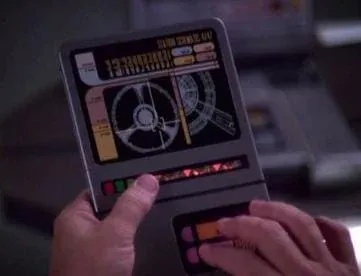
If you’re familiar with Star Trek, you’ll know that from *The Next Generation onwards all computer panels on Starfleet ships had a consistent look. In Trek *parlance, that look came from a system called *LCARS *(Library Computer Access/Retrieval System).

A PADD with LCARS

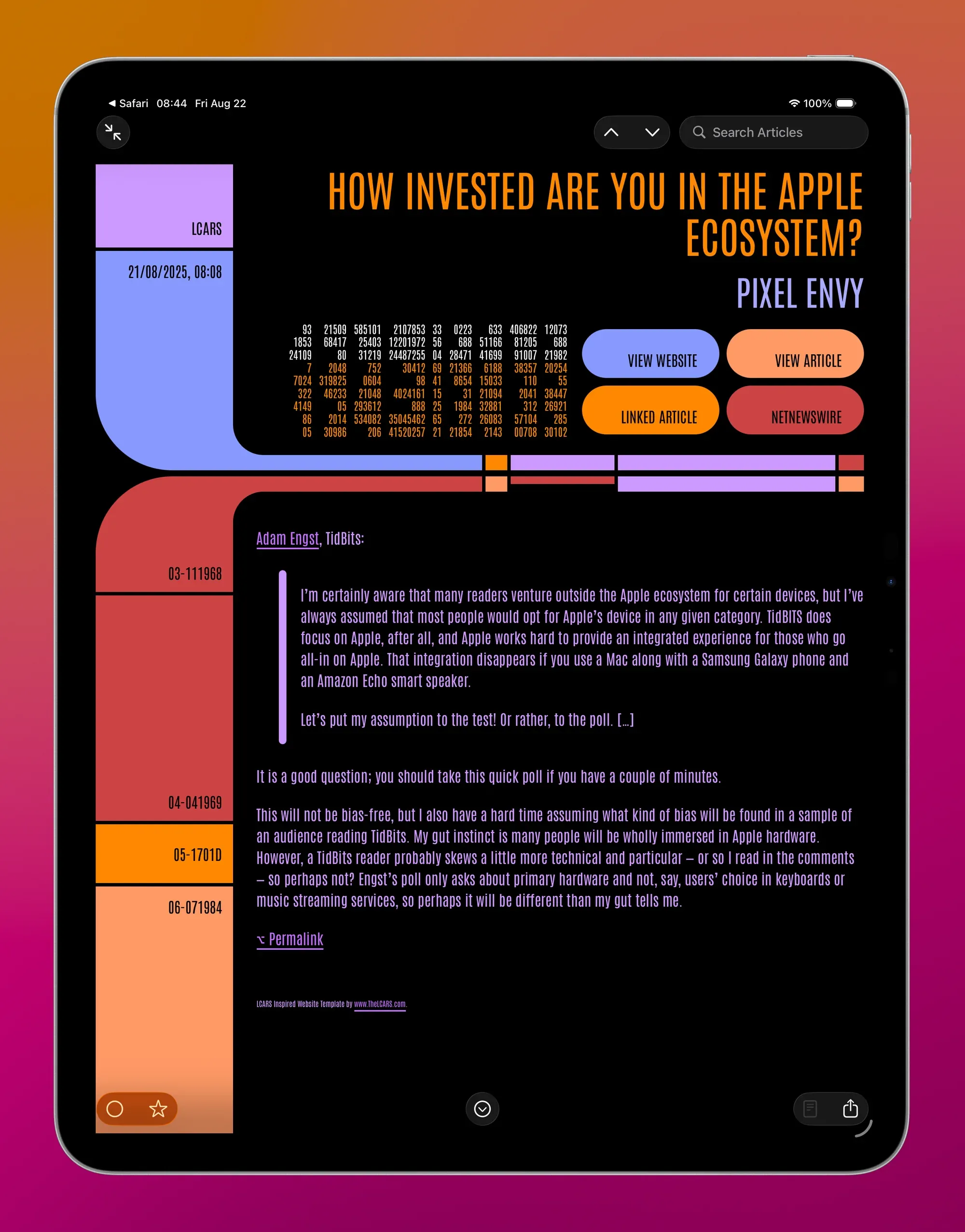
As luck would have it, there’s an amazing website—https://www.thelcars.com—that has recreated LCARS in HTML and CSS. This piqued my curiosity—could it be adapted and used as a NetNewsWire theme?

The answer is, of course, *make it so. *

This makes me smile. You can add PADD to NetNewsWire using the link at the bottom of the article.

A few notes:

  • the font is *Antonio *and it’s been Base64 encoded so it can be included with the theme,
  • unfortunately, I’ve not (yet) found a way to include the sounds that come with the full LCARS package from thelcars.com,
  • navigation buttons are *View Website, View Article, NetNewsWire, *and, if there’s a linked article, Linked Article,
  • hiding/showing *Linked Article *requires JavaScript
  • there have been a few tweaks to code, pre, ul, and ol elements to improve rendering in NetNewsWire,
  • any adaptation must follow the EULA,
  • this theme is better on a wider screen in dark mode, and,
  • it’s an absolute workout for Liquid Glass

The PADD theme is just a lot of fun. 100% credit to thelcars.com!

Add to NetNewsWire

Adopting Liquid Glass, Part III (NetNewsWire iOS)

Adopting Liquid Glass, Part III (NetNewsWire iOS)

NetNewsWire has an experimental branch with work-in-progress Liquid Glass changes. These changes cover the Mac, iPad, and iPhone apps. This post covers changes to the iPad and iPhone app.

iPad

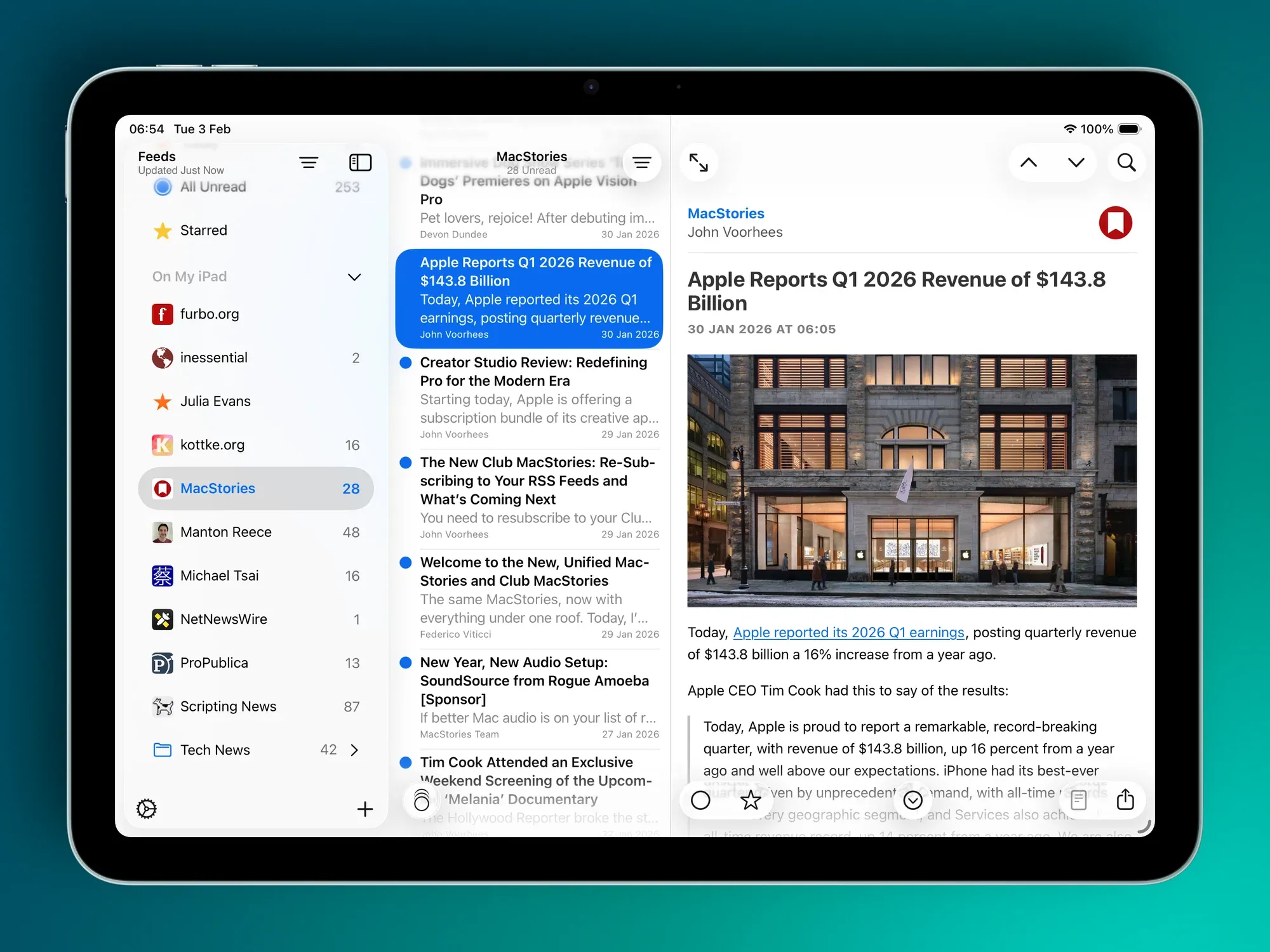
The Sidebar (Feeds view) has had a significant refresh.

What was previously a UITableView is now a UICollectionView. While this gives more flexibility in terms of custom layout, it was a change that was needed in order to adopt modern styling across iPad and iPhone. iPad uses the .sidebar style, and iPhone uses .insetGrouped. This is similar the behaviour you see in Mail.

Modern Sidebar (left), Classic Sidebar (right)

From top-to-bottom, the following modernising changes have been made:

  • The current *refresh *status is now located in the navigation bar as a subtitle, having previously been the footer
  • Toolbar buttons follow Liquid Glass standards
  • Like the Mac refresh, the Feeds view floats and allows Timeline content to slide underneath
  • Smart Feeds and Account headers now adopt modern secondary styling
  • Selected feeds have a modern capsule background and the text is **bold **(note: there is little consistency in Apple’s apps—Files makes text bold while Reminders doesn’t)
  • Folders have been entirely redesigned to match modern standards—they now have the same indentation as any other feed, but the enclosed feeds are indented further
  • Folders will highlight when Feeds are being dragged and dropped into them
  • Separators have been removed
  • Unread counts are larger and are no longer backed by a filled capsule
  • Unread counts for folders are only displayed when the folder is closed
  • Swipe actions reveal icons instead of named labels due to space constraints
  • Users can resize the sidebar (within reason 😃)

When side-by-side, you can see that there are less feeds on screen as the modern cells have larger vertical margins.

Timeline

Modern Timeline (left), Classic Timeline (right)

Again, from top-to-bottom:

  • Navigation bar images have been removed
  • Unread counts are now located in the navigation bar subtitle
  • The search bar has been moved to the app-wide toolbar and behaves similar to the Mac search
  • The Timeline width is user adjustable (again, within reason 😄)
  • Timeline cells have been redesigned in Interface builder and now have the rounded corner selection style
  • The Mark All as Read image (on both iPad and iPhone) has had alignment changes to make sure it sits in the middle of an englassified button

Articles

Modern Article (left), Classic Article (right)

There aren’t many changes to the Article view:

  • Articles can be read in three-pane view without hiding the Sidebar
  • The top toolbar inherits search capabilities
  • The bottom toolbar buttons have been grouped in a 2-1-2 formation with the *Next Unread *button sitting in the throne seat

iPhone

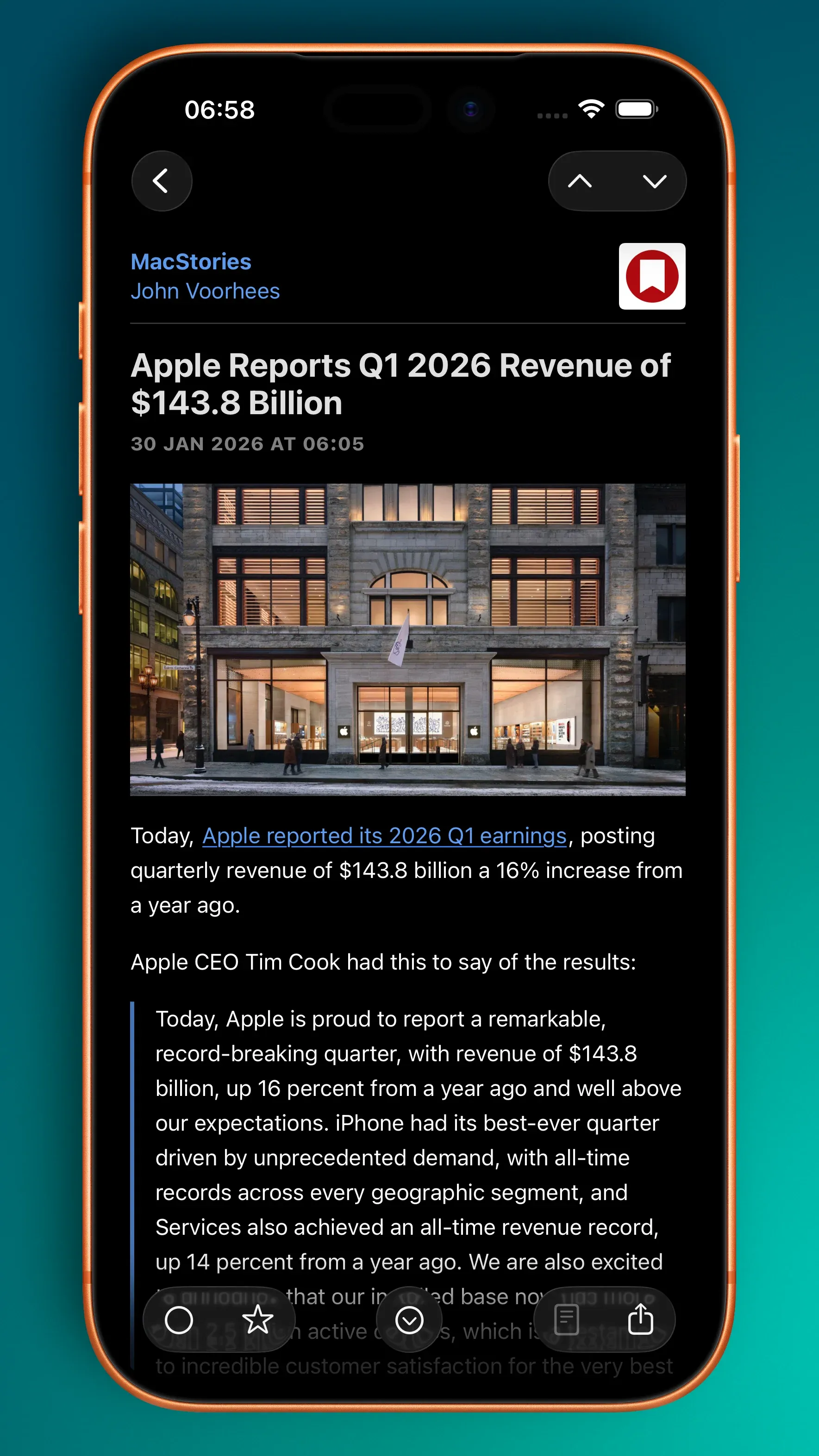
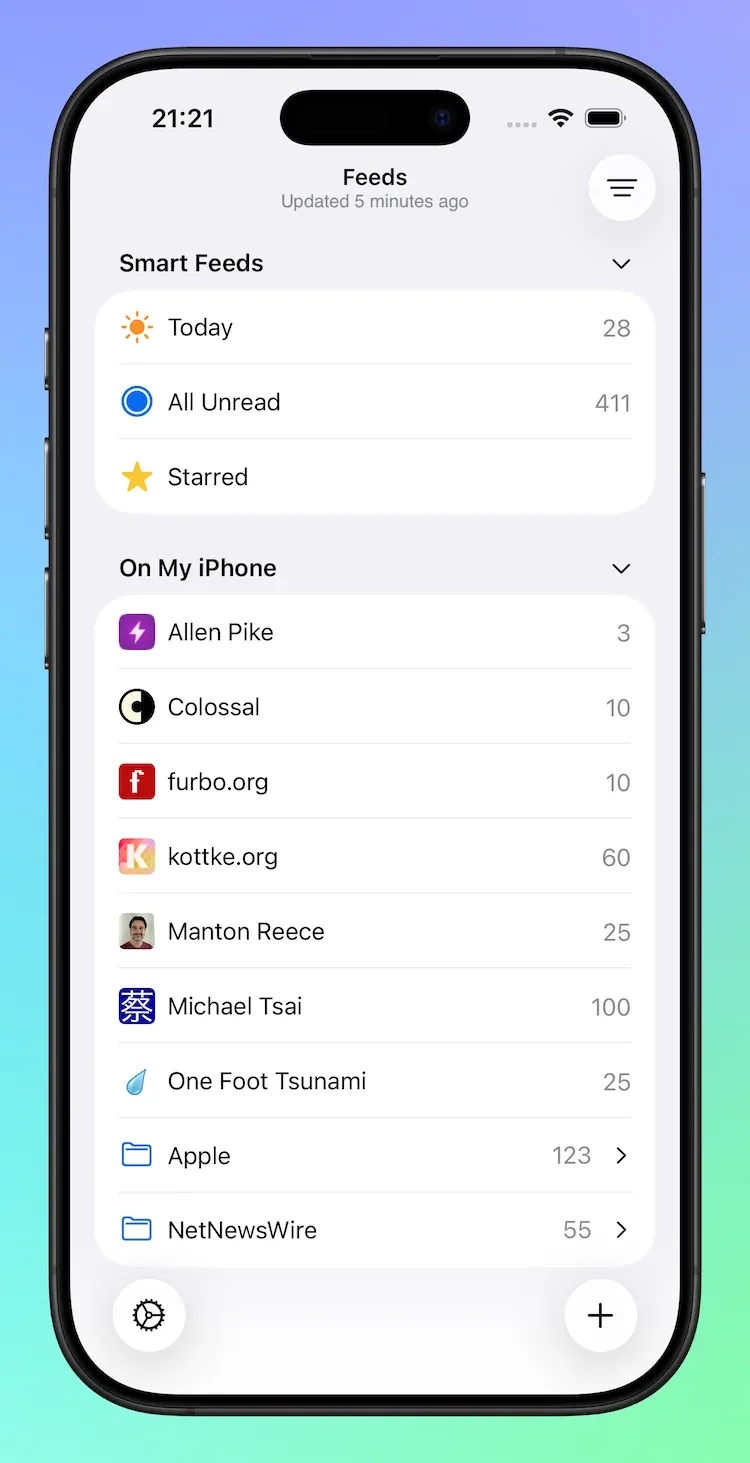
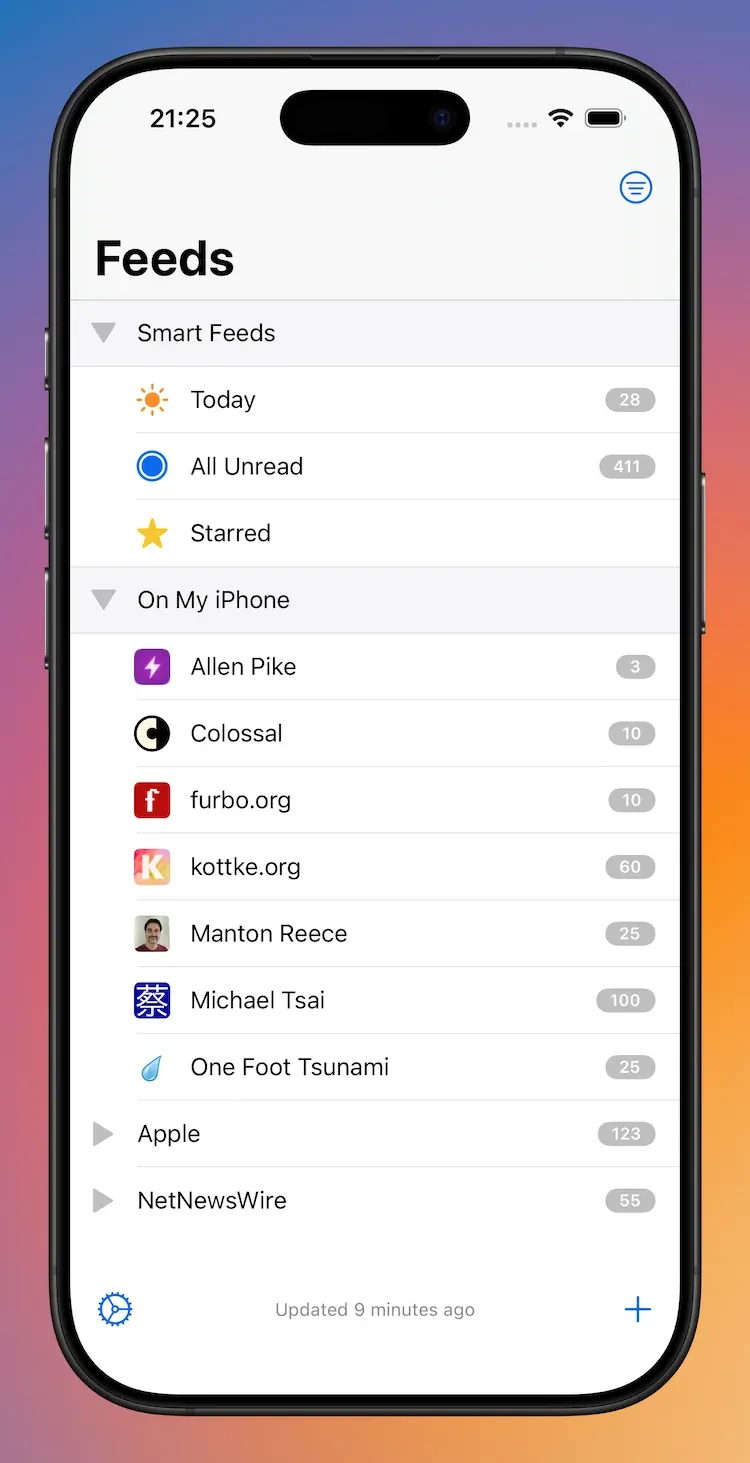
Similar to the iPad, the iPhone *Feeds view *has had a significant lick of paint.

Modern Feeds (left), Classic Feeds (right)

As mentioned above, the overall design adopts an .insetGrouped style. Comparatively:

  • Inline navigation titles are used
  • The latest refresh status has moved to the navigation bar subtitle from the bottom toolbar
  • Smart Feeds and Account headers now adopt modern styling
  • Disclosure indicators have moved from left to right
  • Similar to the iPad updates:
  • Folders will highlight when Feeds are being dragged and dropped into them
  • Unread counts are larger and are no longer backed by a filled capsule
  • Unread counts for folders are only displayed when the folder is closed
  • Swipe actions reveal icons instead of named labels due to space constraints

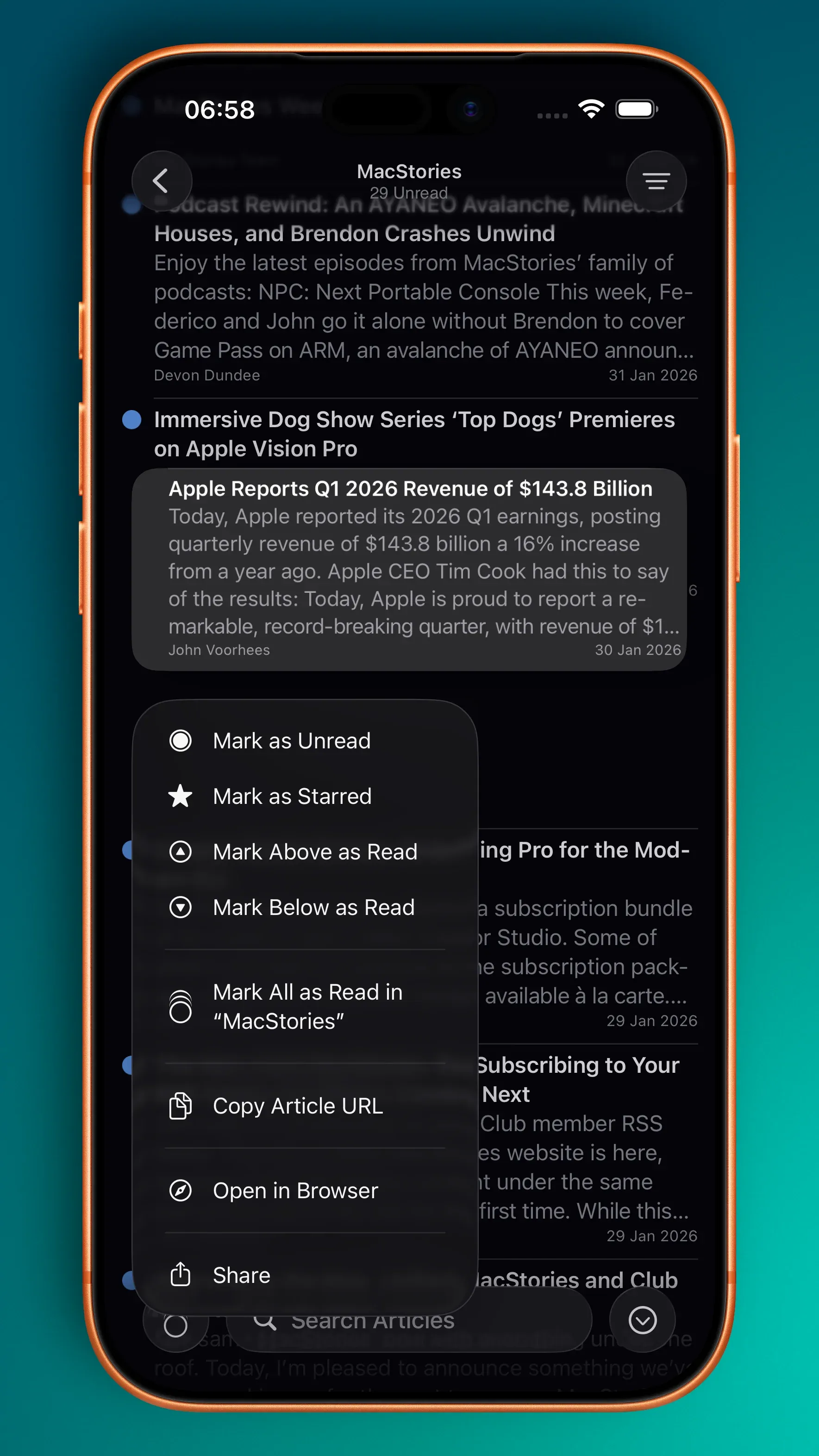
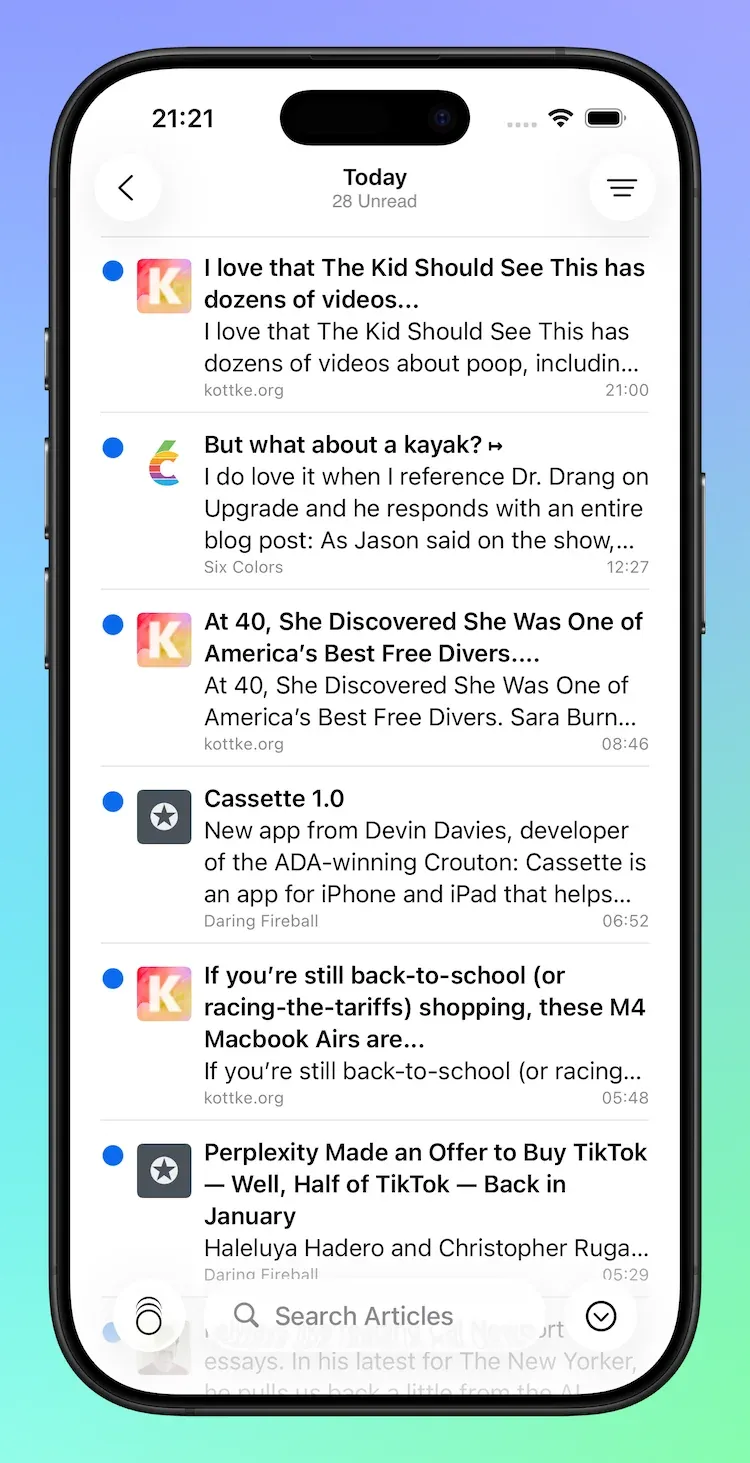
Timeline

Modern Timeline (left), Classic Timeline (right)

Timeline changes on the iPhone are slightly different to those of the iPad:

  • The navigation bar makes use of the subtitle to display either the current unread count or, if the unread count is zero, the latest refresh time
  • Images and capsule-backed unread counts have been removes from the navigation bar
  • The search bar has been moved to the bottom of the screen and is no longer hidden under the navigation bar
  • Cells have modern rounded corner selection style

Articles

Modern Article (left); Classic Article (right)

There are almost no changes to the iPhone’s Article view other than adopting modern bar and button styling. Phew!

Financial Broadsheet for NetNewsWire

Financial Broadsheet for NetNewsWire

Financial Broadsheet modifies Broadsheet and gives it the look-and-feel of a financial publication.

Sign up to see more and add to NetNewsWire.

The remainder of this post was originally for members only.

I’ve made some small tweaks to my existing Broadsheet theme which results in a familiar, financial flavour.

Dark mode (left), Light mode (right)

Add to NetNewsWire

Summer Plans

Summer Plans

Like other developers, I’ve spent a few weeks with Apple’s new Liquid Glass design language. In some areas, I think it’s tremendous: the macOS dock, iOS folders, text selection hover effects on iOS, and the new sidebars are standout elements. In other areas, it’s middling: toolbars and tab bars that don’t update quite in *real-time *as advertised leave the UI looking out-of-sync with the underlying content. And, the final bucket, where it’s rubbish: clear glass icons.

My working assumption is that the rough areas will be smoothed out over the next few months.

So, on to the plans:

Singapore Buses

  • Singapore Buses is currently on v2025.5. There may be a few summer updates to keep the bus stops and routes current.

  • Singapore Buses v2026:

  • Will target iOS 26

  • Will have Liquid Glass UI (I am experimenting with toolbars, tab bars, and more…)

  • Will have new server-side code (written in Python)

  • Will, tentatively, drop Core Data (which has been the biggest source of crashes)

NetNewsWire

  • Refresh the macOS and iOS UI.

  • No new features (except the NetNewsWire About panel on macOS)

Untitled Flag Quiz

  • A long time ago, in a coding language far far away (Objective-C), I wrote an app to teach my nephews about world flags
  • Said nephews are now adults, but I’ve been asked to bring back the app
  • Thing is, I don’t have the source code from that original app
  • Thus, build from scratch or build from prompts? Let’s see

NetNewsWire 6.1 Released

NetNewsWire 6.1 is out now on macOS, and custom themes are the tentpole feature. Yes, custom themes, for your RSS reader. It’s not just changing the tint colour or the font, custom themes change the entire reading experience. It sounds nuts. It is nuts. It is also great fun.

From version 6.1, NetNewsWire will recognise .nnwtheme theme packages and install them automatically.

Two of my themes—Promenade and NewsFax—are included in the 6.1 release.

I also have a few others available for download for members:

  • Broadsheet — NetNewsWire as a quality newspaper
  • Illinois — NetNewsWire plus a little bit of classic macOS

NetNewsWire 6 Out Now on iPhone and iPad

‌The World’s Favourite Open Source RSS ReaderTM has been updated to version 6.0 on iPhone and iPad. I don’t often write about releases, but this one is significant and it’s been almost a year in the making.‌

The headline features of this release are iCloud syncing, Twitter and Reddit integrations, home screen widgets, and support for a host of new syncing services.

iCloud Syncing

iCloud syncing is a game-changing feature if you want to sync your feeds across your Apple devices and don’t want to use a third-party syncing service to do so.

You can enable iCloud syncing in the app by going to Settings > Add Account > iCloud. Once enabled, you can either drag feeds from your existing local account or third-party service to iCloud or add feeds directly using Add Feed and selecting the iCloud account.

From there, it behaves like a local account with one small difference: it will sync your feed subscriptions, read and starred statuses across your Apple devices. It’s a really cool feature.

A few words to the wise, though. First, if you’re going to do a large migration of feeds into iCloud, it does take time. Apple has strict requirements on the amount of data that can be synced and will, on occasion, apply some throttling. (Be patient!) Second, like local accounts, you may miss some articles if they come and go before the app has completed a refresh.

Additional Third-Party Sync Services

In addition to local syncing, iCloud, Feedbin, and Feedly, 6.0 expands the available syncing services with five new providers: BazQux, Inoreader, NewsBlur, The Old Reader, and FreshRSS. If you use any of these services, now is a great time to jump on board.

Twitter and Reddit Integrations

Tweets and Reddit posts in an RSS reader? If you’re using a local or iCloud account, this is now possible. You can enable Twitter or Reddit via the app’s Settings menu under Add Extension.

Once you’ve signed in, you get additional options in the “+” menu to add Twitter or Reddit feeds:

Reddit Twitter
Home Home
Popular Mentions
All Screen Name
Subreddit Search

I use the Twitter Search option the most. For example, to follow the #NetNewsWire hashtag.

Home Screen Widgets

There are three variations of home screen widgets that follow your Smart Feeds: a Today widget, an Unread widget, and a Starred widget. They come in medium and large sizes. Tapping on articles will take you straight to the article while tapping anywhere else will open the app.

We’ve not included the widgets on macOS. If you’d like them there, please raise an issue on GitHub.

If You Want to Help Out

NetNewsWire is free, open-source, and built by volunteers around the world. If you want to get involved—and very likely learn a thing or two—head over to Slack. Brent has built a fantastic community, you’ll be made to feel welcome!