Experiments with the Codex and Claude Agents

Experiments with the Codex and Claude Agents

I’ve been experimenting with agents: Codex on a Python-to-ExpressJS conversion, and Claude in a Swift Package. The results have been impressive.

The remainder of this post was originally for members only.

Codex

Singapore Buses has a back-end server, written in Python with FastAPI, that is used to manage storage of APNS tokens, retrieve bus arrival estimates and push that data out as Live Activity notifications, and storage of aggregated session events for users. I wrote the server application in Python simply to get some experience with the language. I have, however, been wanting to re-write it as an ExpressJS app for quite some time.

Enter Codex.
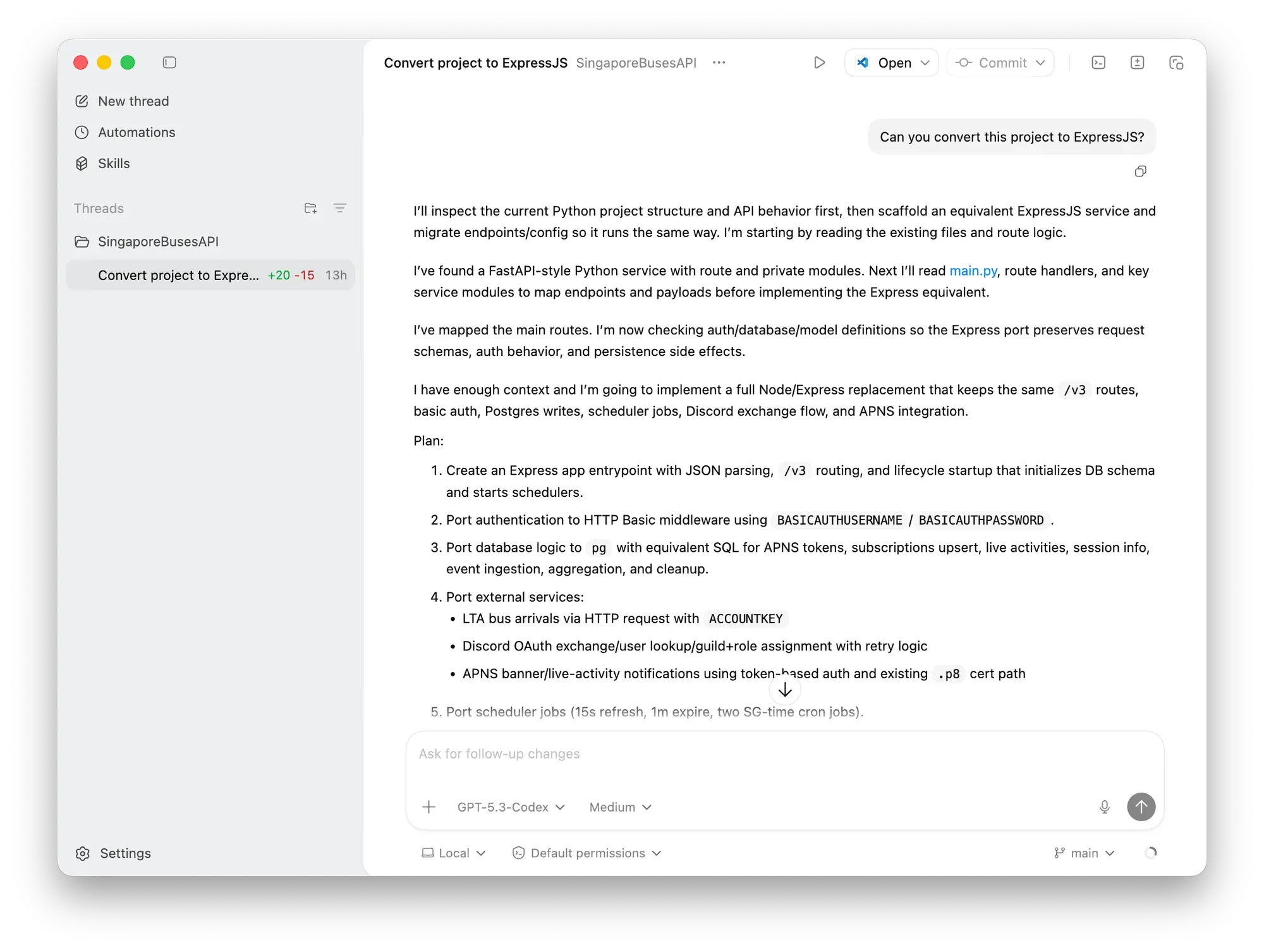
I downloaded Codex and gave it permission to the project’s directory. I gave it one prompt:

Can you convert this project to ExpressJS?

Codex took less than two minutes to convert public routes, middleware, database, and schedulers, while selecting and replacing third-party Python packages with similar npm packages (e.g., apns2 was replaced with @parse/node-apn).

The results was a working application with one defect—the payload for Live Activities was empty 🫣. Once that was fixed and the rest of the code tested, it was more-or-less a drop in replacement on the server (after changing PM2’s configuration file).

Claude

In Xcode, I enabled Claude’s agent and gave it dominion over my Swift Package LandTransportKit which is what I use in Singapore Buses. The goal of this experiment was to have it write documentation for the package as a Documentation Archive (DocC). This is something I’ve been meaning to do for quite some time, as I wrote when I published the package in July 2025:

I used the ChatGPT integration to write the documentation for most of struct , class, and func definitions. It hasn’t been used for the code itself, the test cases, or DocC.

The prompt:

Write documentation for this package in the documentation archive.
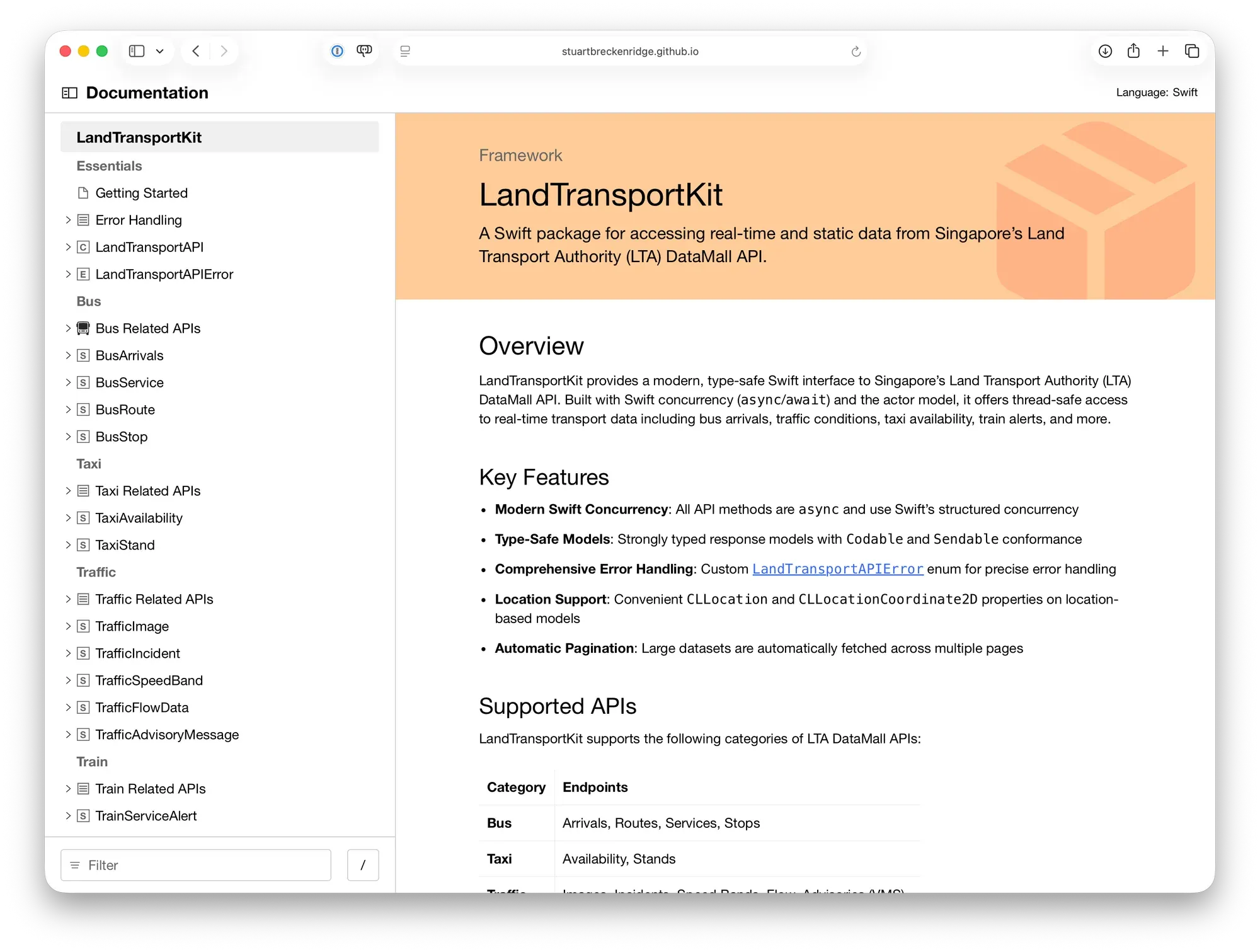
The results speak for themselves. Not only is the package extensively documented, there’s also example usage in UIKit and SwiftUI, along with prebuilt SwiftUI Views.


These experiments have left me impressed with what the Codex and Claude agents are capable of. Both were fast, understood the prompts, and, ultimately, I got the results I wanted.

Changes to tabViewBottomAccessory in iOS 26.1 are Fixed in iOS 26.2

Changes to tabViewBottomAccessory in iOS 26.1 are Fixed in iOS 26.2

[Update 09 Nov 2025: there’s new API in iOS 26.2 that allows you to hide the tabViewBottomAccessory. See the bottom of this post for more.]

In Singapore Buses on iOS 26, I was able to hide the tabViewBottomAccessory based on various criteria—for example, if location tracking was enabled.

.tabViewBottomAccessory {
    if locationTracker.isAuthorised {
        HStack {
            // Nearby bus stop
        }
    } else {
        EmptyView()
    }
}

Now, however, it displays the accessory with no content. I haven’t found a workaround yet, so for now I’m showing the tabViewBottomAccessory across all views. This isn’t ideal—the accessory isn’t relevant on the Settings view, for instance.

If this is Apple’s intended behaviour for the accessory, it’s far from ideal.

Update 09 Nov 2025:

There’s an update to the tabViewBottomAccessory modifier API in iOS 26.2 that lets you hide the tabViewBottomAccessory when it’s not needed:

.tabViewBottomAccessory(isEnabled: $showShowBottomAccessory) {
    HStack {
        // Nearby bus stop
    }
}

Problematically, this only works with iOS 26.2. As I don’t intend to move away from iOS 26.0 as the minimum requirement for *Singapore Buses *for several months, I will apply this API using an if #unavailable(iOS 26.1) check. Users on iOS 26.0 - 26.1 will see the accessory on all views. 😞

Summer Plans

Summer Plans

Like other developers, I’ve spent a few weeks with Apple’s new Liquid Glass design language. In some areas, I think it’s tremendous: the macOS dock, iOS folders, text selection hover effects on iOS, and the new sidebars are standout elements. In other areas, it’s middling: toolbars and tab bars that don’t update quite in *real-time *as advertised leave the UI looking out-of-sync with the underlying content. And, the final bucket, where it’s rubbish: clear glass icons.

My working assumption is that the rough areas will be smoothed out over the next few months.

So, on to the plans:

Singapore Buses

  • Singapore Buses is currently on v2025.5. There may be a few summer updates to keep the bus stops and routes current.

  • Singapore Buses v2026:

  • Will target iOS 26

  • Will have Liquid Glass UI (I am experimenting with toolbars, tab bars, and more…)

  • Will have new server-side code (written in Python)

  • Will, tentatively, drop Core Data (which has been the biggest source of crashes)

NetNewsWire

  • Refresh the macOS and iOS UI.

  • No new features (except the NetNewsWire About panel on macOS)

Untitled Flag Quiz

  • A long time ago, in a coding language far far away (Objective-C), I wrote an app to teach my nephews about world flags
  • Said nephews are now adults, but I’ve been asked to bring back the app
  • Thing is, I don’t have the source code from that original app
  • Thus, build from scratch or build from prompts? Let’s see

Enabling Screen Recording on the Wahoo ELEMNT ACE

Enabling screen recording requires the installation of third party software. These instruction are for the Mac. Proceed at your own risk.

Here’s what you’ll need:

  • A Mac (Apple Silicon or Intel will do)
  • The OpenMTP application
  • A USB-C cable

First, install OpenMTP. This can be done in two ways:

  • Download and install the appropriate Apple Silicon or Intel version of OpenMTP from the website; or,
  • If you have brew installed, run brew install openmtp --cask which will download the application and install it for you.

Second, connect your Wahoo ELEMNT ACE to your Mac by following these instructions:

  • Connect one end of the USB-C cable to an available USB-C port on your Mac and the other end into the USB-C port on your ACE. Turn the ACE on (if it is off).

**Third, **open the OpenMTP app from Applications.

  • On the right-hand side you’ll see the folders currently available on your ACE.
  • Your only task is to create a new folder called capture.

**Lastly, **disconnect the ACE from the Mac, reboot the ACE. At the bottom of the *Device Settings *page on the ACE you’ll have a new Screen Recording tool.

To extract recordings from the ACE, connect the ACE to the Mac, open up the capture folder in OpenMTP, and then drag the recording from the right-side to the appropriate folder on your Mac on the left-side of the app.

NetNewsWire 6.1 Released

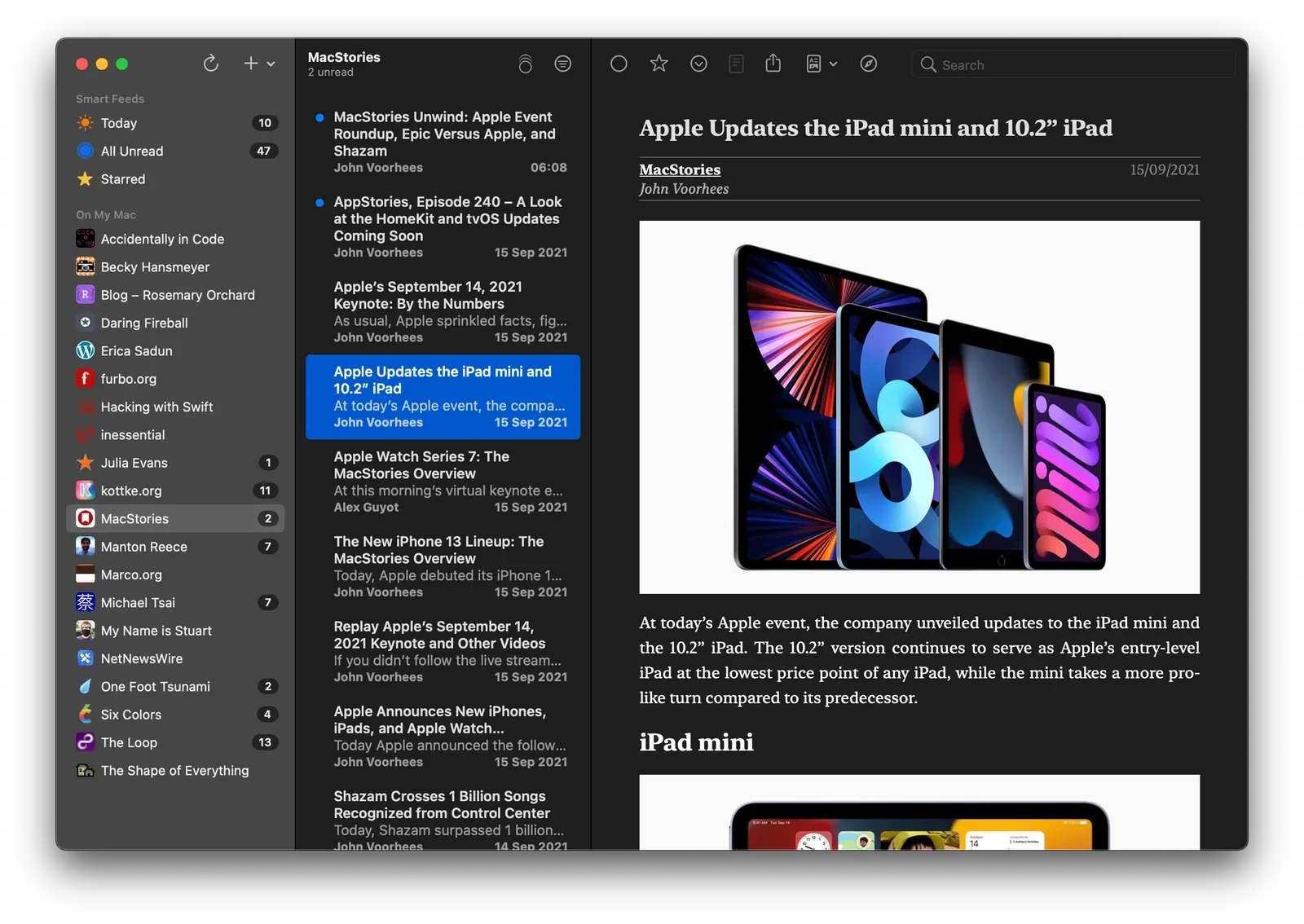
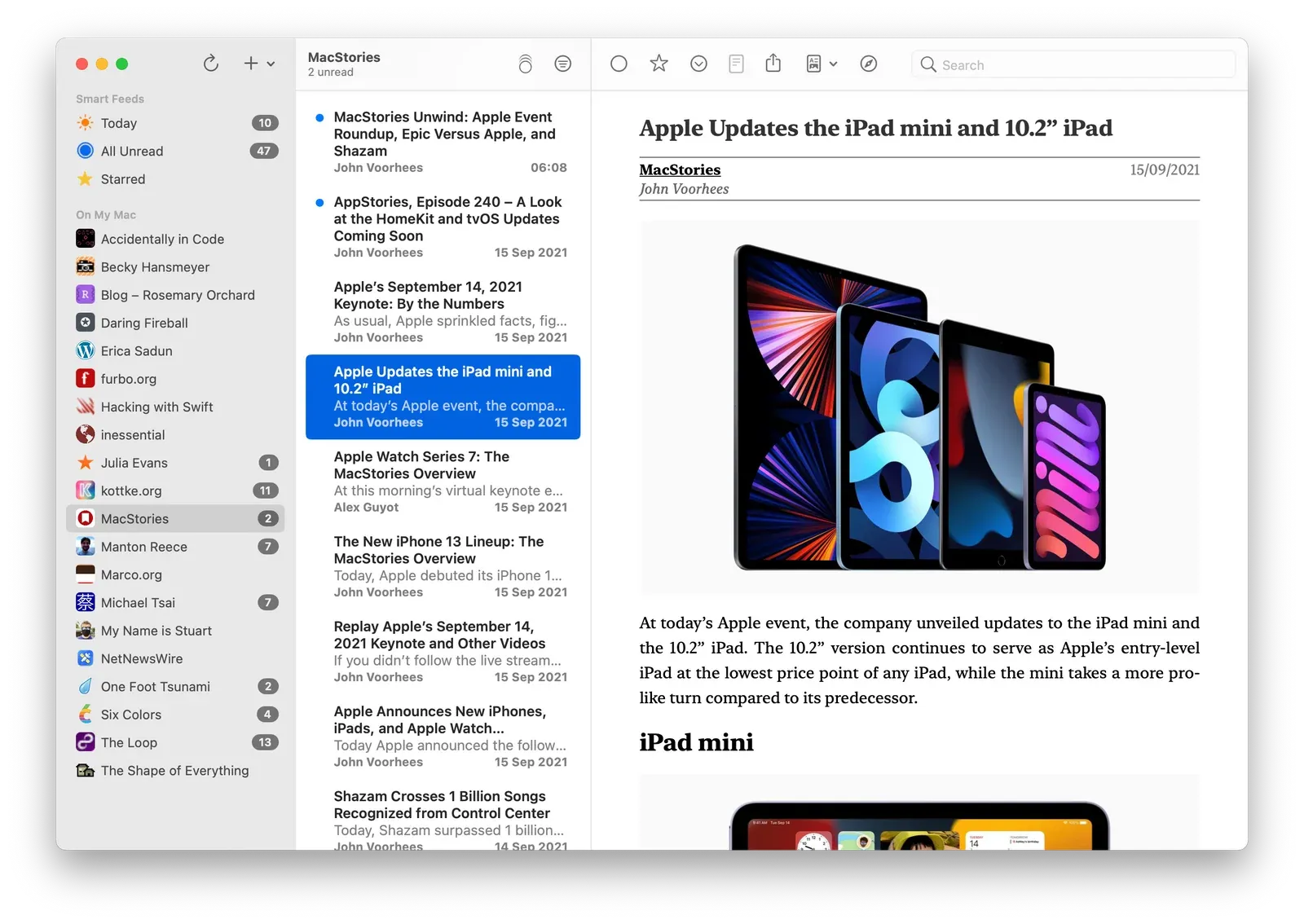
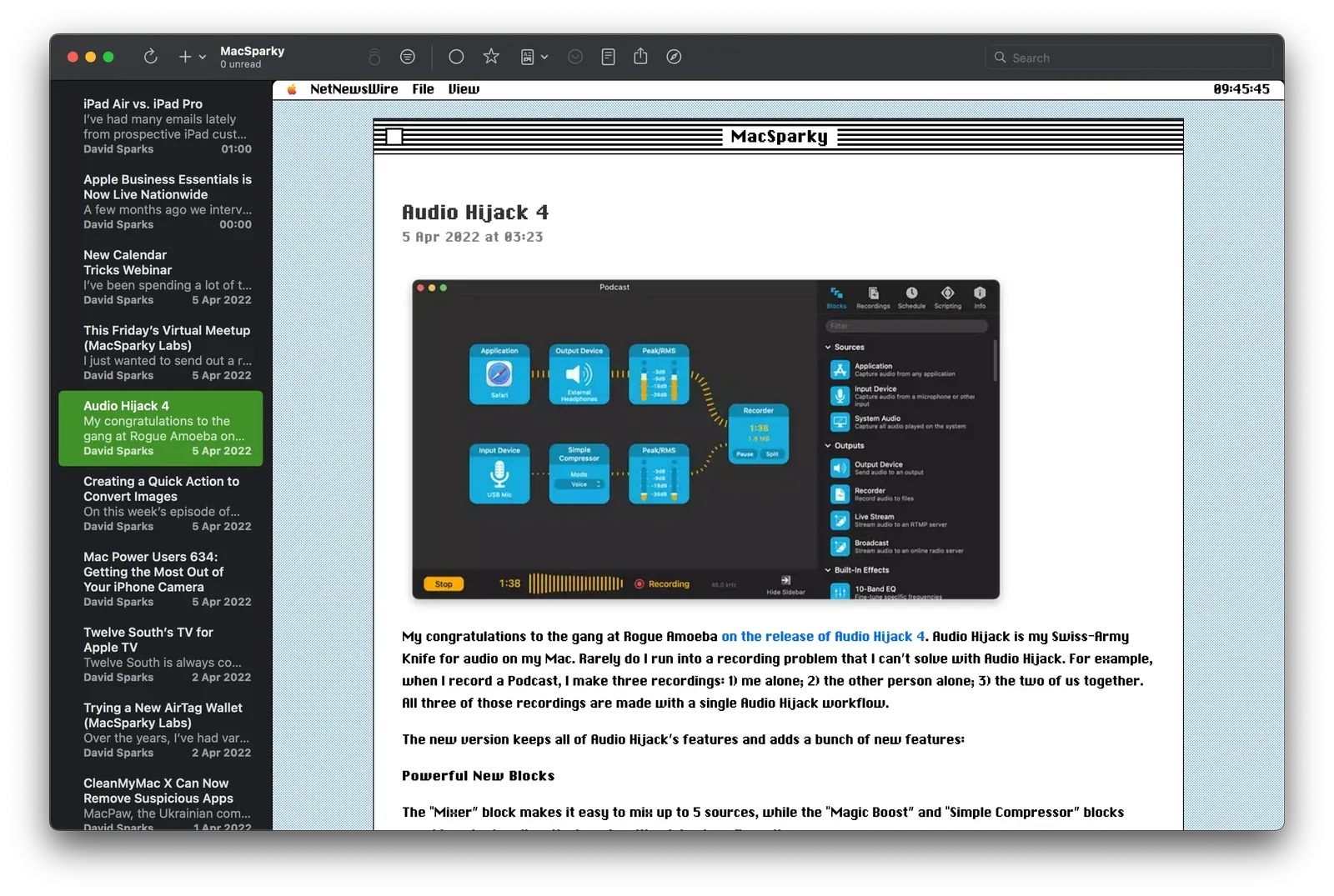
NetNewsWire 6.1 is out now on macOS, and custom themes are the tentpole feature. Yes, custom themes, for your RSS reader. It’s not just changing the tint colour or the font, custom themes change the entire reading experience. It sounds nuts. It is nuts. It is also great fun.

From version 6.1, NetNewsWire will recognise .nnwtheme theme packages and install them automatically.

Two of my themes—Promenade and NewsFax—are included in the 6.1 release.

I also have a few others available for download for members:

  • Broadsheet — NetNewsWire as a quality newspaper
  • Illinois — NetNewsWire plus a little bit of classic macOS

Create a Detent with a Custom Height in iOS 16

Prior to iOS 16, UISheetPresentationController only supported two detents: medium and large. With iOS 16, we can now create our own detent with a custom height.

sheetPresentationController?.detents = [.medium(), .large()]

In iOS 16, create a detent identifier and then create a detent with that identifier and provide a maximum height.

let smallId = UISheetPresentationController.Detent.Identifier("small")

let smallDetent = UISheetPresentationController.Detent.custom(identifier: smallId) { context in
    return 80
}

sheetPresentationController?.detents = [smallDetent, .medium(), .large()]

NetNewsWire 6 Out Now on iPhone and iPad

‌The World’s Favourite Open Source RSS ReaderTM has been updated to version 6.0 on iPhone and iPad. I don’t often write about releases, but this one is significant and it’s been almost a year in the making.‌

The headline features of this release are iCloud syncing, Twitter and Reddit integrations, home screen widgets, and support for a host of new syncing services.

iCloud Syncing

iCloud syncing is a game-changing feature if you want to sync your feeds across your Apple devices and don’t want to use a third-party syncing service to do so.

You can enable iCloud syncing in the app by going to Settings > Add Account > iCloud. Once enabled, you can either drag feeds from your existing local account or third-party service to iCloud or add feeds directly using Add Feed and selecting the iCloud account.

From there, it behaves like a local account with one small difference: it will sync your feed subscriptions, read and starred statuses across your Apple devices. It’s a really cool feature.

A few words to the wise, though. First, if you’re going to do a large migration of feeds into iCloud, it does take time. Apple has strict requirements on the amount of data that can be synced and will, on occasion, apply some throttling. (Be patient!) Second, like local accounts, you may miss some articles if they come and go before the app has completed a refresh.

Additional Third-Party Sync Services

In addition to local syncing, iCloud, Feedbin, and Feedly, 6.0 expands the available syncing services with five new providers: BazQux, Inoreader, NewsBlur, The Old Reader, and FreshRSS. If you use any of these services, now is a great time to jump on board.

Twitter and Reddit Integrations

Tweets and Reddit posts in an RSS reader? If you’re using a local or iCloud account, this is now possible. You can enable Twitter or Reddit via the app’s Settings menu under Add Extension.

Once you’ve signed in, you get additional options in the “+” menu to add Twitter or Reddit feeds:

Reddit Twitter
Home Home
Popular Mentions
All Screen Name
Subreddit Search

I use the Twitter Search option the most. For example, to follow the #NetNewsWire hashtag.

Home Screen Widgets

There are three variations of home screen widgets that follow your Smart Feeds: a Today widget, an Unread widget, and a Starred widget. They come in medium and large sizes. Tapping on articles will take you straight to the article while tapping anywhere else will open the app.

We’ve not included the widgets on macOS. If you’d like them there, please raise an issue on GitHub.

If You Want to Help Out

NetNewsWire is free, open-source, and built by volunteers around the world. If you want to get involved—and very likely learn a thing or two—head over to Slack. Brent has built a fantastic community, you’ll be made to feel welcome!

The Diminishing Utility of MFMailComposeViewController

The Distant Past

Before iOS 14, the default email app on iOS was Mail. Of course, you could have had other email apps installed, but they’d never be the app used by the system when tapping on an email address. You’d always end up in Mail.

This made things easy for developers. If you wanted give users the ability to send emails from within your app, you’d use MFMailComposeViewController. Implementation was easy:

if MFMailComposeViewController.canSendMail() {
    let mailController = MFMailComposeViewController(rootViewController: self)
    mailController.setSubject("Test Subject")
    mailController.setToRecipients(["mail@test.com"])
    mailController.mailComposeDelegate = self
    present(mailController, animated: true, completion: nil)
}

Today

As a developer, I want to respect the user’s choice of email app, whether it’s Mail, Edison, Gmail, Outlook, or Hey. To do that, I can’t use MFMailComposeViewController. Instead, I have to add mailto to the LSApplicationQueriesSchemes key in Info.plist and then, when the user wants to send an email, use this code:

if UIApplication.shared.canOpenURL(url) {
    UIApplication.shared.open(url, options: [.universalLinksOnly : false]) { (success) in
        // Handle success/failure
    }
}

Unlike MFMailComposeViewController, this approach sends the user to their choice of email app and, at the same time, closes the source app. It’s not ideal.

A feature request for iOS 15: default mail apps should have their own MFMailComposeViewController equivalent.