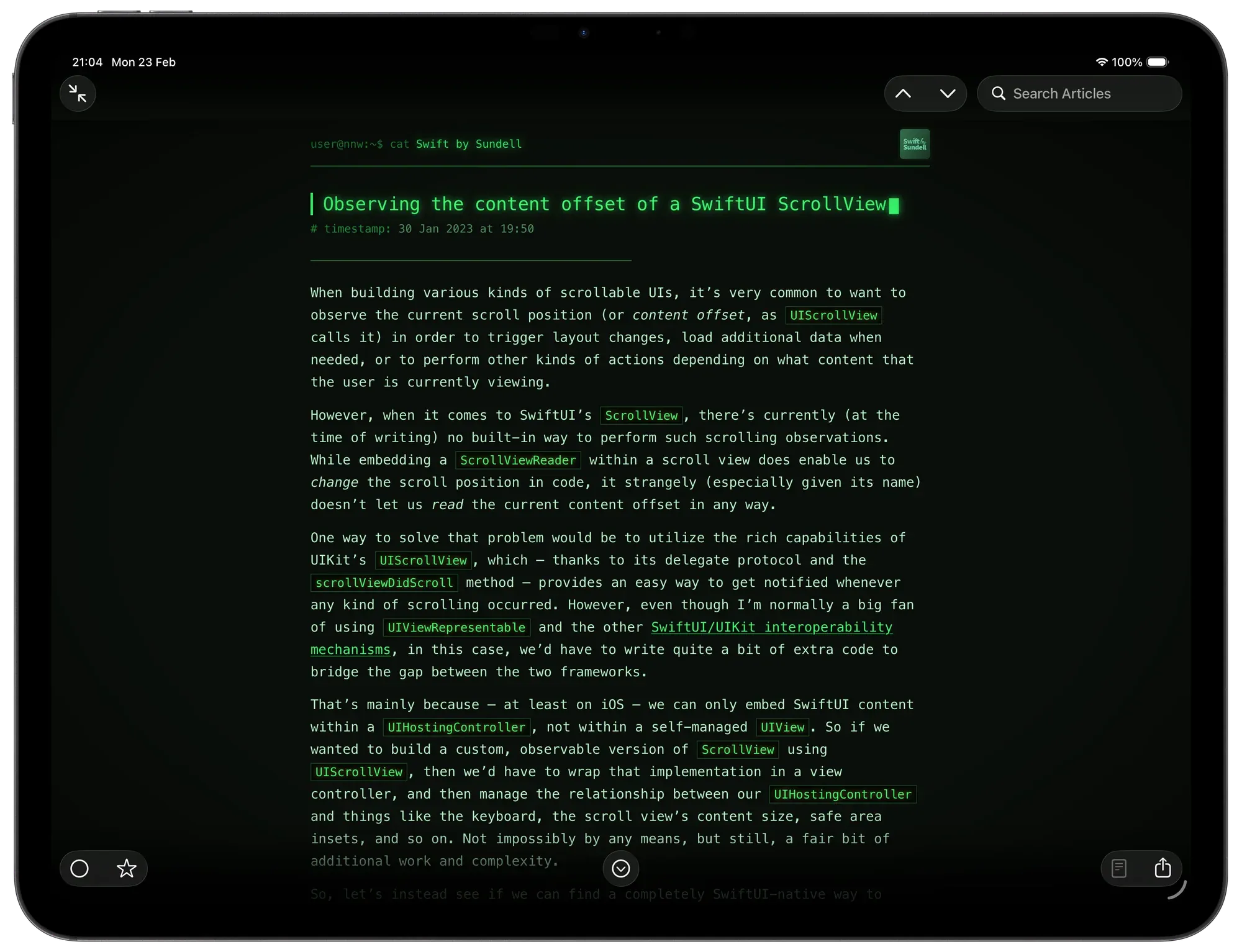
This theme is *Matrix-*inspired and was built with the help of Claude (there’s simply no way my CSS is this clean and tidy). This theme shines when your device is in dark mode.
Features
Visual Style
Phosphor-green palette — deep near-black background with glowing green text
CRT vignette — a radial gradient overlay darkens the screen edges for a vintage monitor feel (macOS only)
Boot flicker — the page and article animate in with a CRT power-on flicker effect
Monospace throughout — SF Mono
Article Header
Feed name is prefixed with a shell prompt: user@nnw:~$ cat
Publish date is prefixed with # timestamp:
External link is prefixed with # source:
Feed icon is rendered in greyscale with a green tint and a pixel-art rendering mode
Article Title
Typewriter animation — the title types out character by character in reading order, correctly handling titles that span multiple lines
Blinking block cursor (█) appears after the last character lands and blinks indefinitely
Article Body
Separator line of ─ characters between the header and body
Headings prefixed with Markdown-style ##, ###, #### markers
Blockquotes styled with a left border and faint green background
Code blocks include a fake terminal title bar (● ● ● output) and horizontal scroll on overflow
Inline code highlighted in amber with a subtle glow
Tables use uppercase headers, row hover highlights, and a green glow on the border
Figcaptions prefixed with //
Images are desaturated and dimmed; hovering partially restores colour
Platform Behaviour
iOS — uses dynamic type sizing, system hyphenation, and respects safe area insets; html background is set so native navigation and tab bar blur effects sample the correct dark colour
macOS — includes the CRT vignette, wider padding, and fixed text-size classes (smallText → xxlargeText)
I’ve been experimenting with agents: Codex on a Python-to-ExpressJS conversion, and Claude in a Swift Package. The results have been impressive.
The remainder of this post was originally for members only.
Codex
Singapore Buses has a back-end server, written in Python with FastAPI, that is used to manage storage of APNS tokens, retrieve bus arrival estimates and push that data out as Live Activity notifications, and storage of aggregated session events for users. I wrote the server application in Python simply to get some experience with the language. I have, however, been wanting to re-write it as an ExpressJS app for quite some time.
Enter Codex.
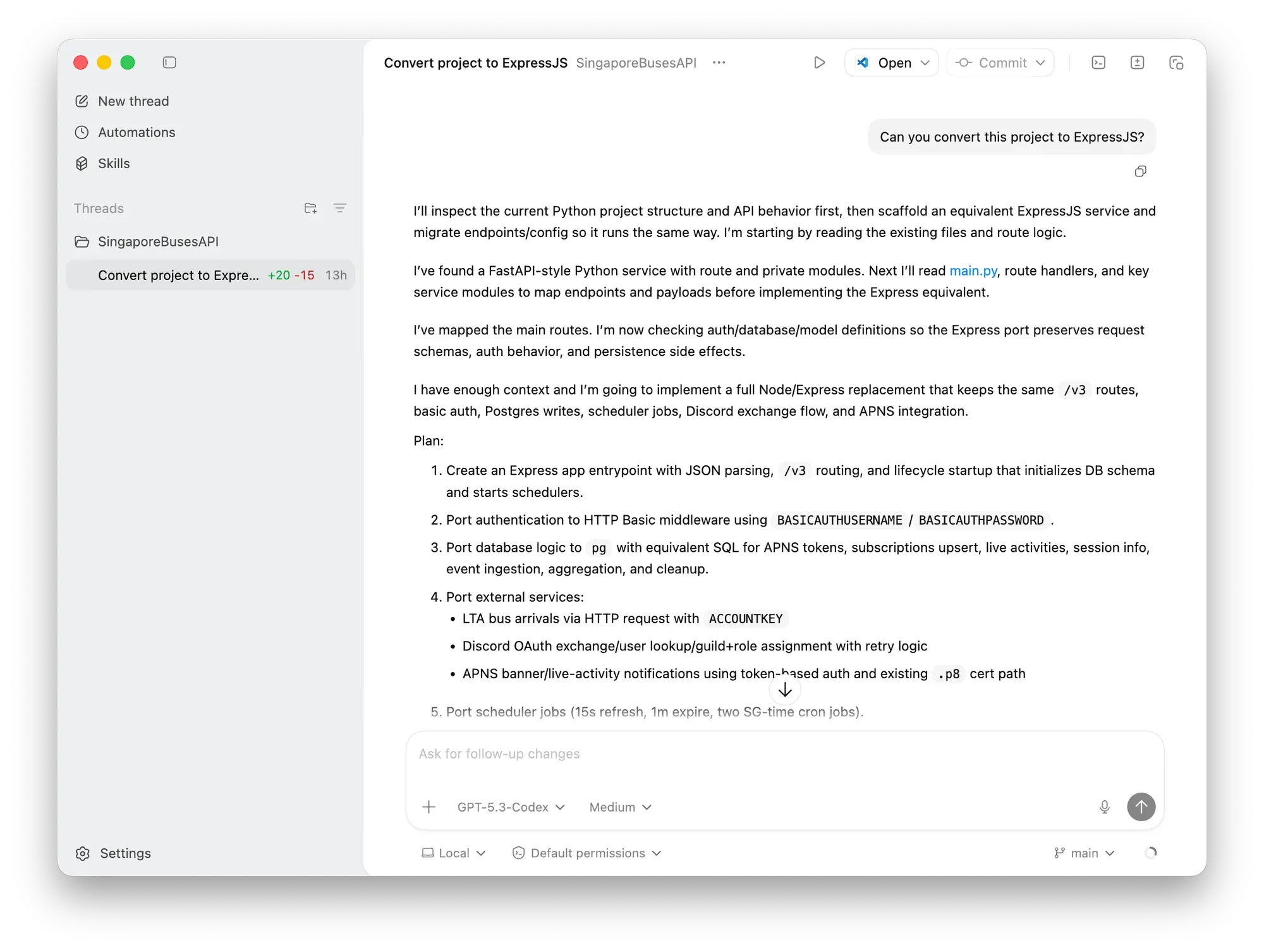
I downloaded Codex and gave it permission to the project’s directory. I gave it one prompt:
Can you convert this project to ExpressJS?
Codex took less than two minutes to convert public routes, middleware, database, and schedulers, while selecting and replacing third-party Python packages with similar npm packages (e.g., apns2 was replaced with @parse/node-apn).
The results was a working application with one defect—the payload for Live Activities was empty 🫣. Once that was fixed and the rest of the code tested, it was more-or-less a drop in replacement on the server (after changing PM2’s configuration file).
Claude
In Xcode, I enabled Claude’s agent and gave it dominion over my Swift Package LandTransportKit which is what I use in Singapore Buses. The goal of this experiment was to have it write documentation for the package as a Documentation Archive (DocC). This is something I’ve been meaning to do for quite some time, as I wrote when I published the package in July 2025:
I used the ChatGPT integration to write the documentation for most of struct , class, and func definitions. It hasn’t been used for the code itself, the test cases, or DocC.
The prompt:
Write documentation for this package in the documentation archive.
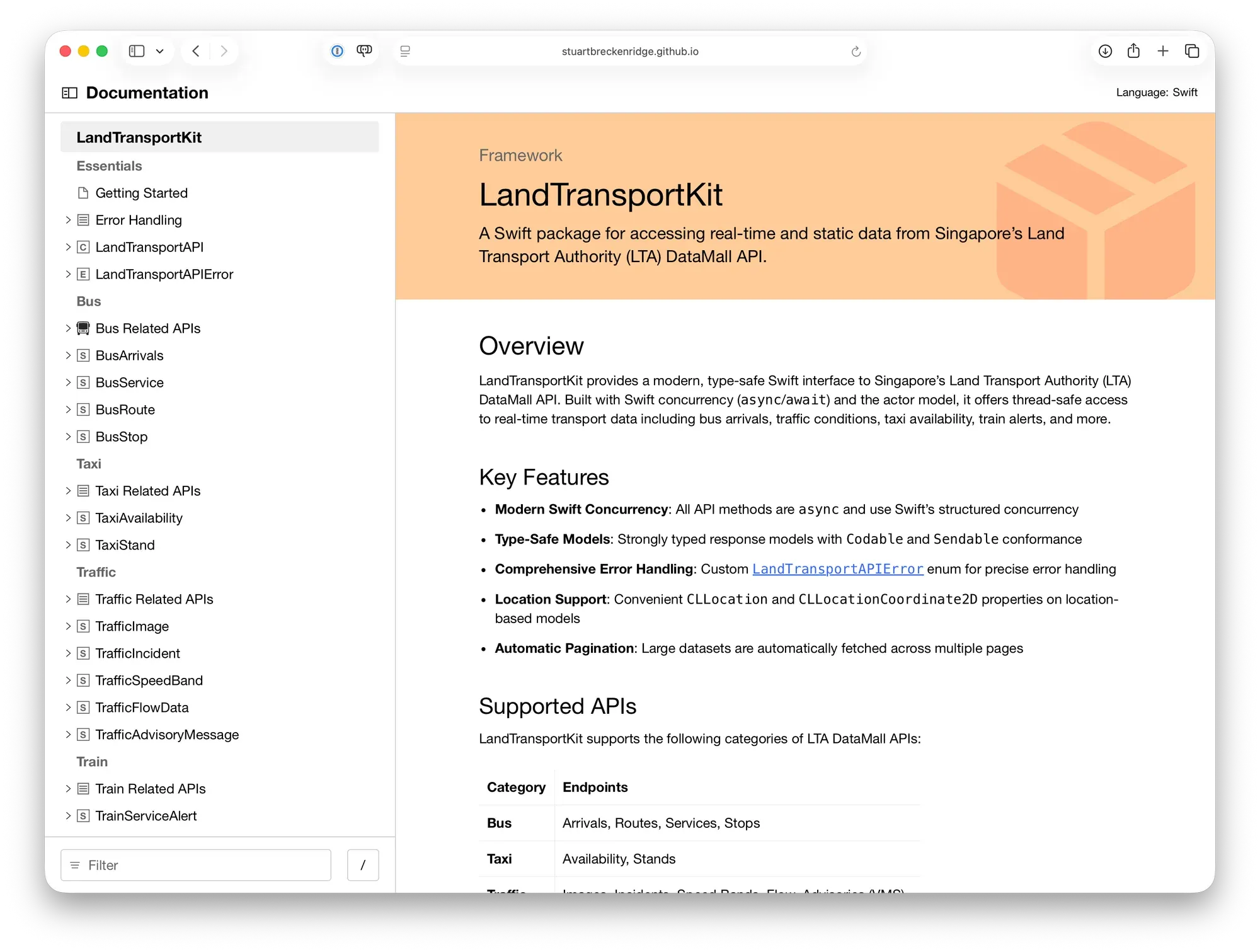
The results speak for themselves. Not only is the package extensively documented, there’s also example usage in UIKit and SwiftUI, along with prebuilt SwiftUI Views.
These experiments have left me impressed with what the Codex and Claude agents are capable of. Both were fast, understood the prompts, and, ultimately, I got the results I wanted.